Delivery
Learn it inside the tool, in about 40 minutes.
Narrated lessons and task guides inside the tool. Press Help for an overview with next steps, a visual tour of 4 narrated lessons, searchable help topics and a printable user manual per discipline.
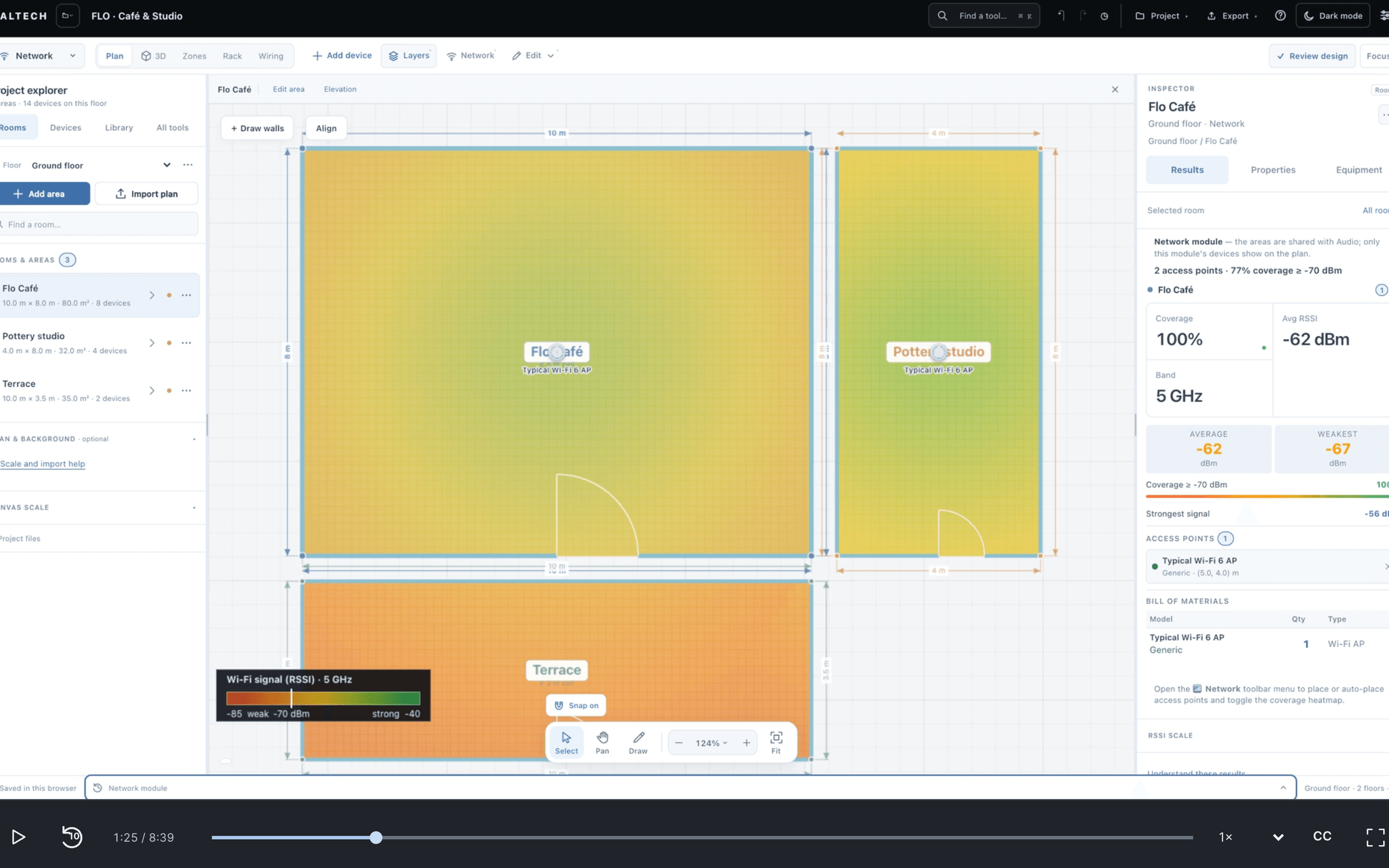
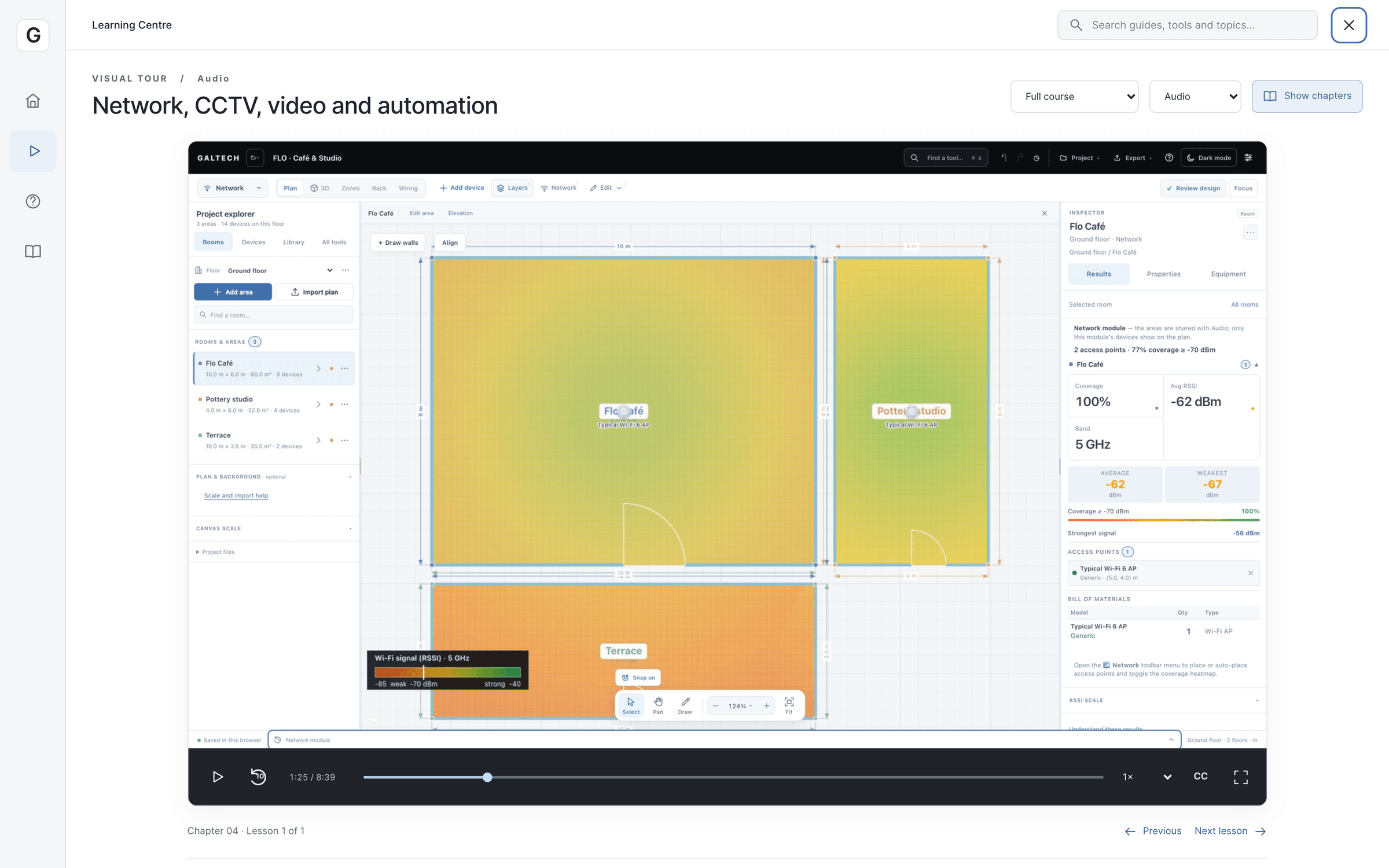
visual tour
Four lessons, recorded from the tool.
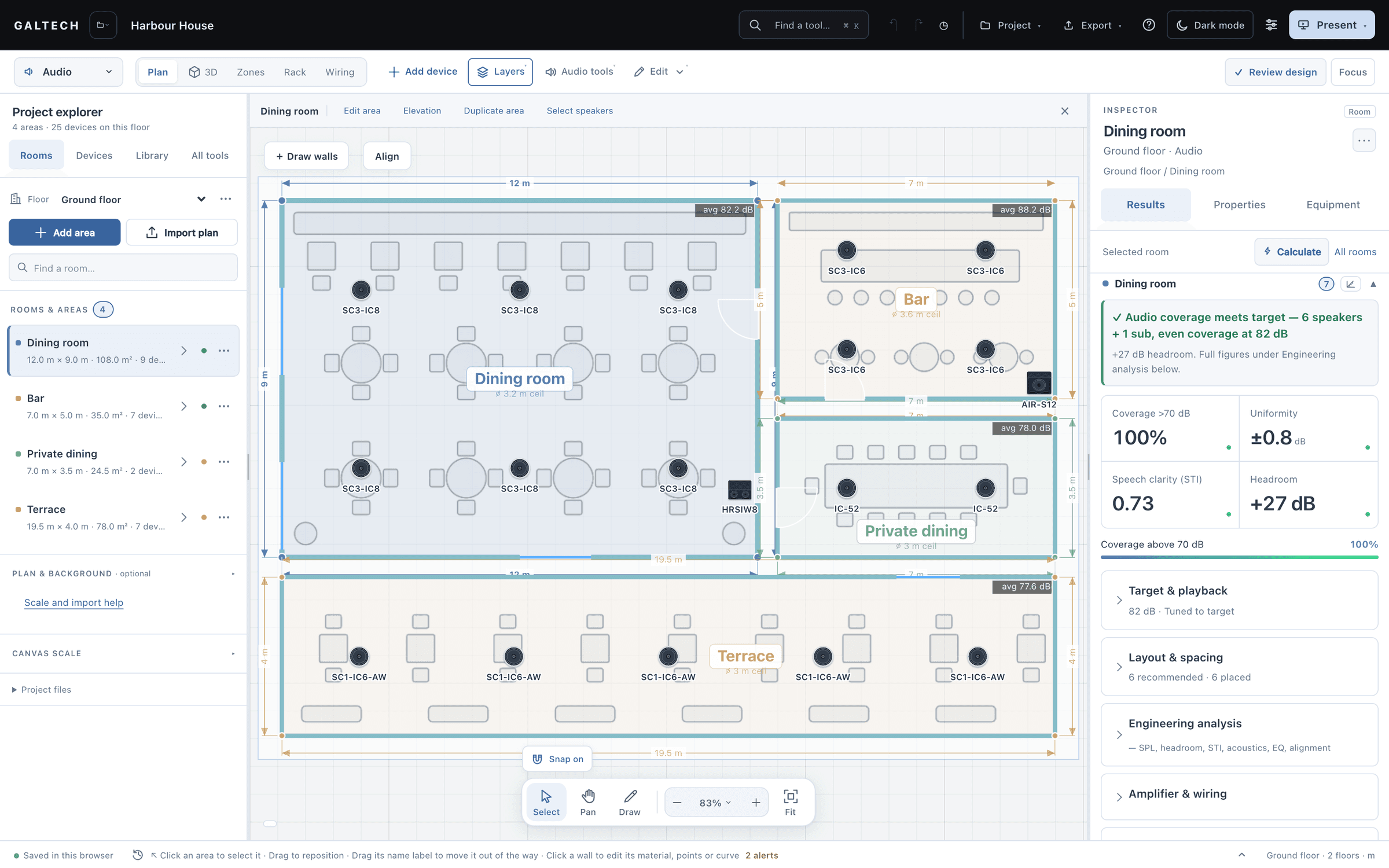
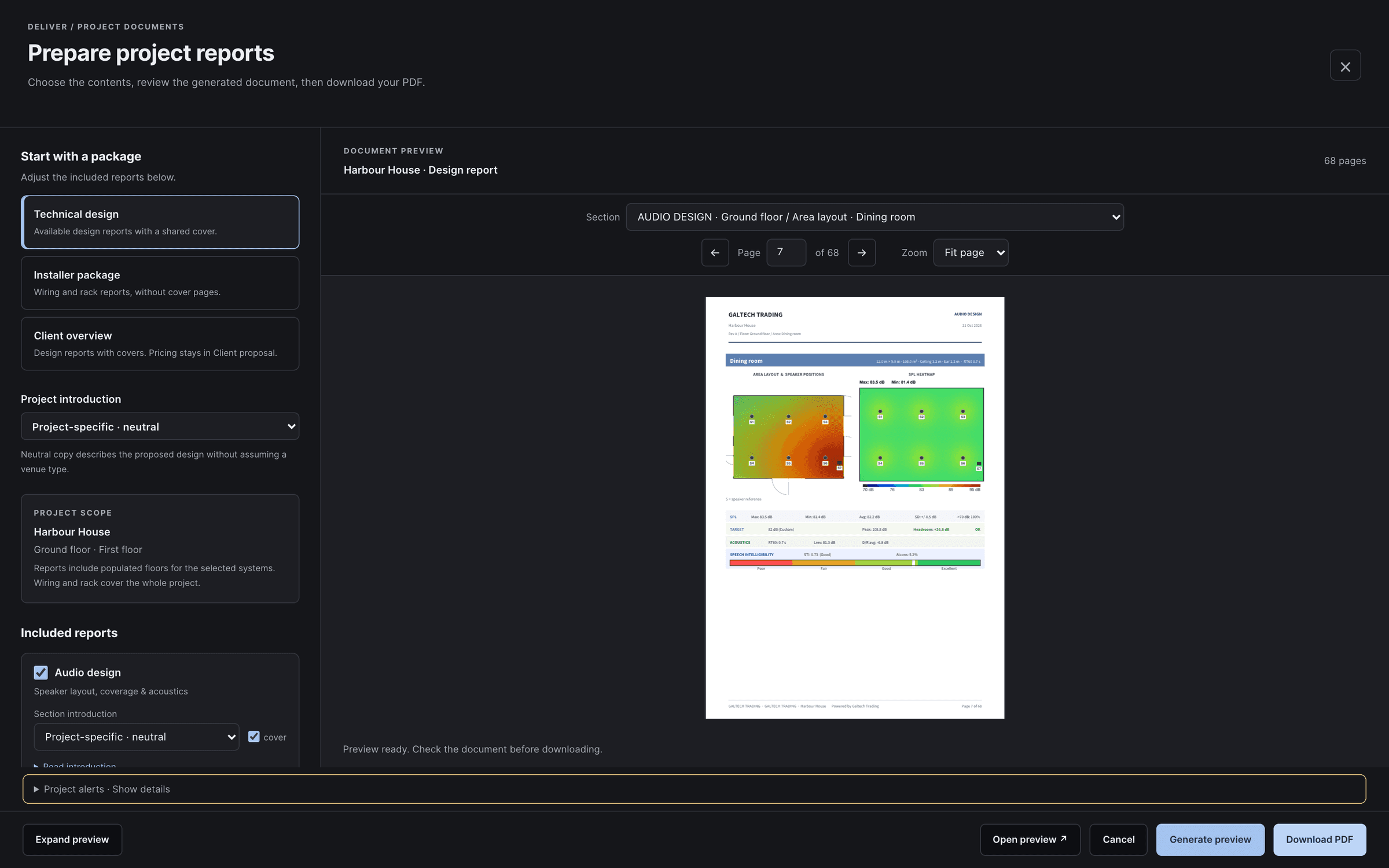
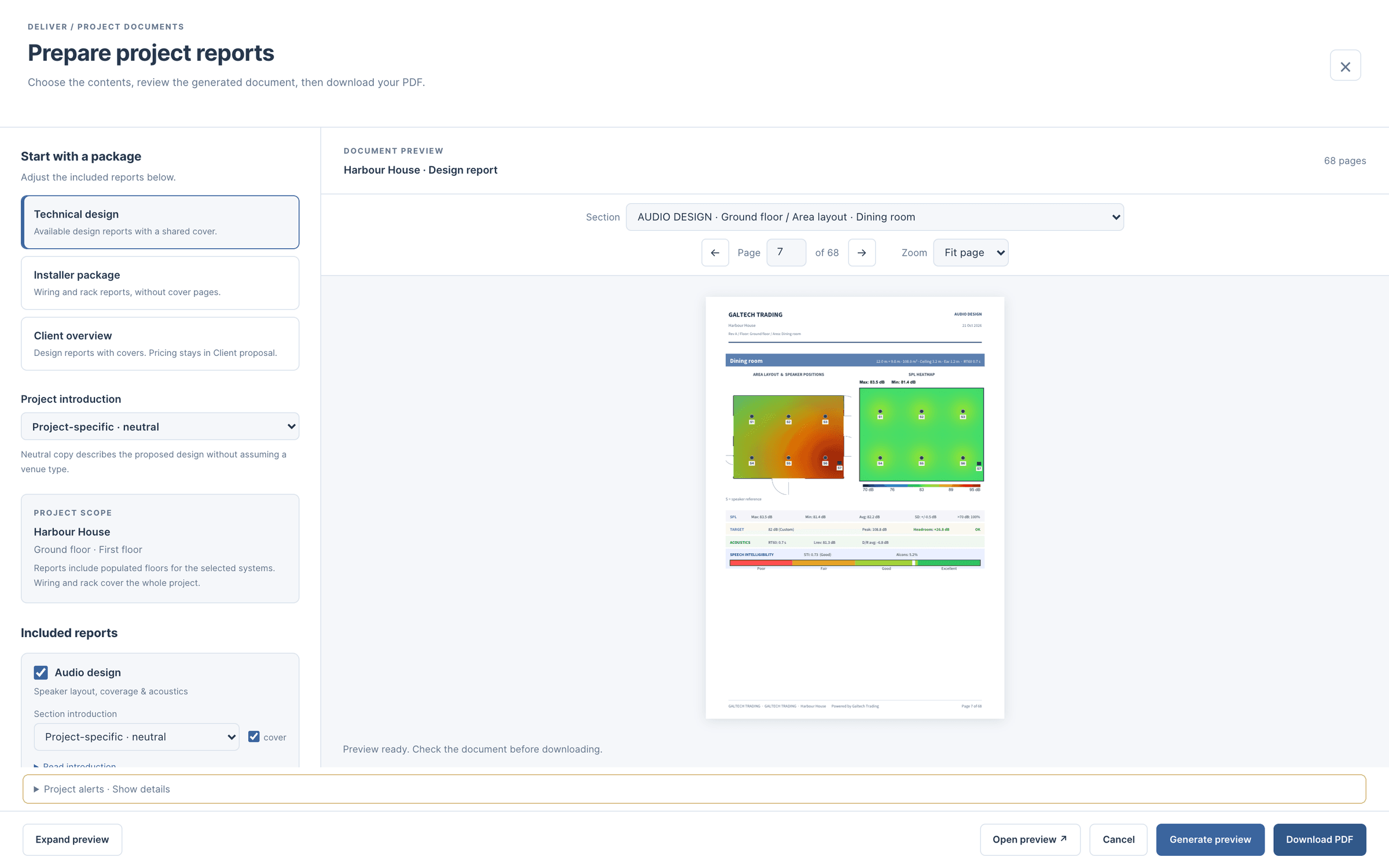
The visual tour is 4 narrated, captioned lessons recorded from the tool itself: the workspace, floors and plans; speakers, coverage and the 3D review; zones, rack, wiring, reports and handover; and network, CCTV, video and automation. About 40 minutes in all.
Every lesson has key moments to jump to, a full transcript, captions, playback speed and a ten-second replay, and the tool remembers where you stopped.
how it works
Four ways in, from the Help button.
As the tool’s own reference card describes them.
Overview
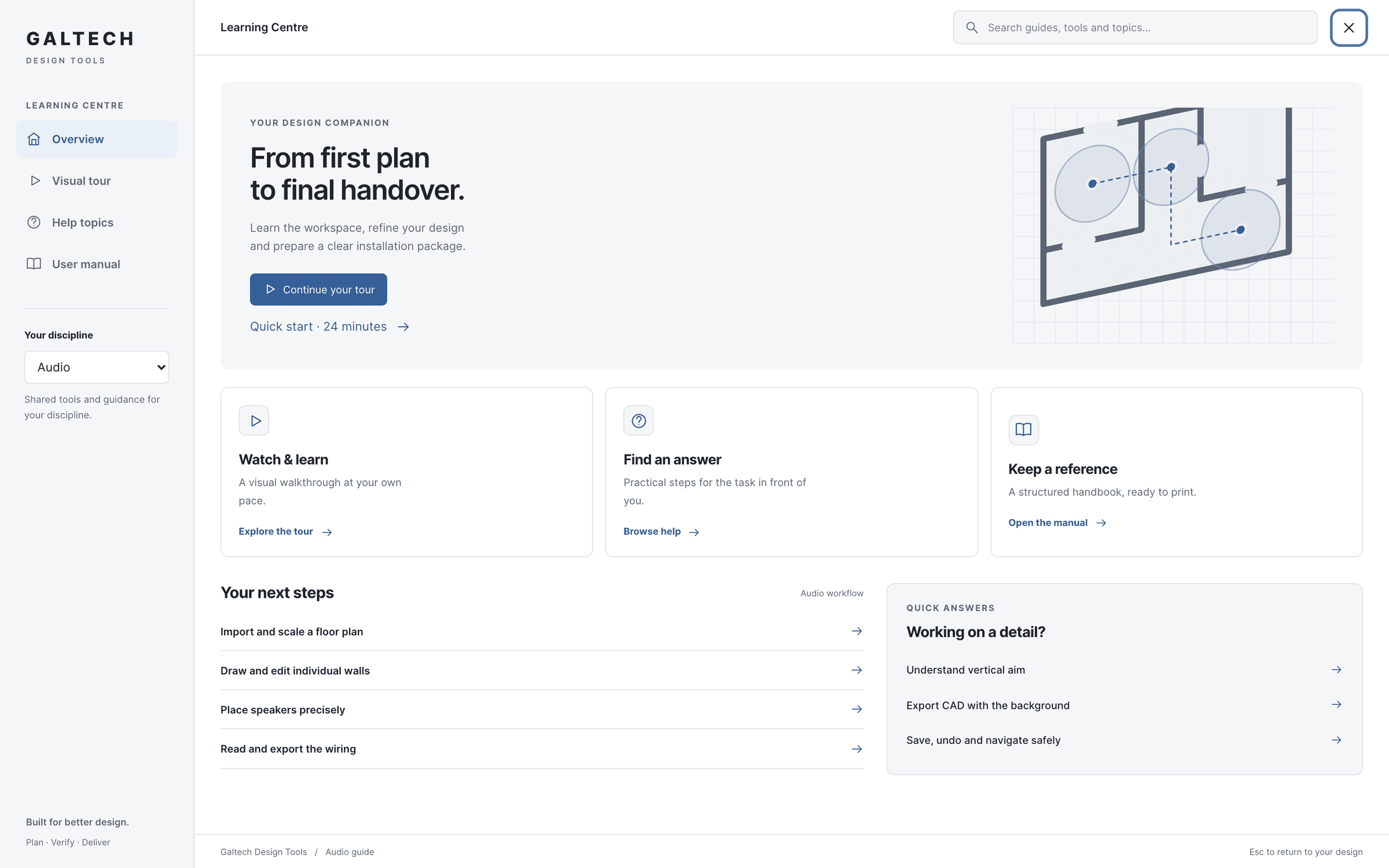
Next steps for your discipline, and a quick start through the lessons.
Visual tour
The 4 narrated lessons, with key moments, transcripts and captions.
Help topics
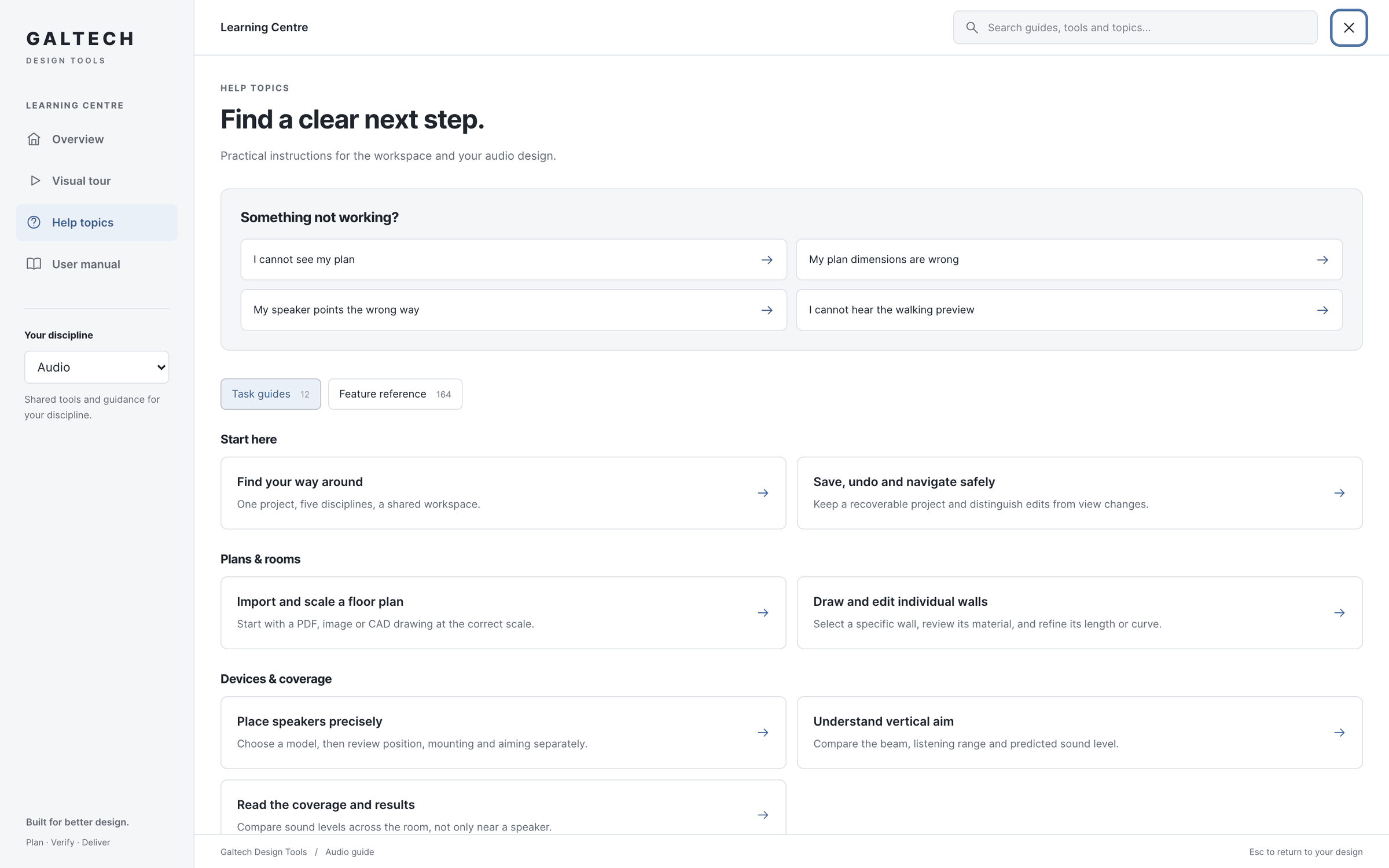
Task guides and troubleshooting articles, with ranked, typo-tolerant search.
User manual
The reference for one discipline, to read in place or print to PDF.
help topics
Task guides from the plan to the handover.
Help topics hold 16 task guides for every stage, from importing a plan to handing over, each with three steps and a note to keep in mind, and 6 troubleshooting articles for the questions that come up most: a missing plan, wrong dimensions, a speaker pointing the wrong way, a silent walk preview, a report with the wrong introduction, and where a project is saved.
Search is ranked and tolerates typos, and every card of the feature reference is searchable too.
user manual
A manual per discipline, to read or to print.
The User manual gathers the reference for one discipline at a time; read it in place or print it to PDF. The Overview suggests next steps for the discipline you are working in, and a quick start through the lessons.
Reading a guide or playing a lesson never changes the project. Press Esc to return to exactly where you were.
in figures
The Learning Centre, in figures.
Recorded from the tool on 19 October 2026.
- narrated lessons
- 4
- of video in all
- 42 min
- key moments, each with its transcript
- 75
- task guides
- 16
questions
Questions, answered plainly.
Do I have to leave my design to watch a lesson?
No. The Learning Centre opens over the tool from the Help button, and reading or watching never changes the project. Esc returns you to where you were.
Can I watch the lessons outside the tool?
Yes. The tutorials on this site follow the same four lessons, with their key moments and transcripts.
The tutorials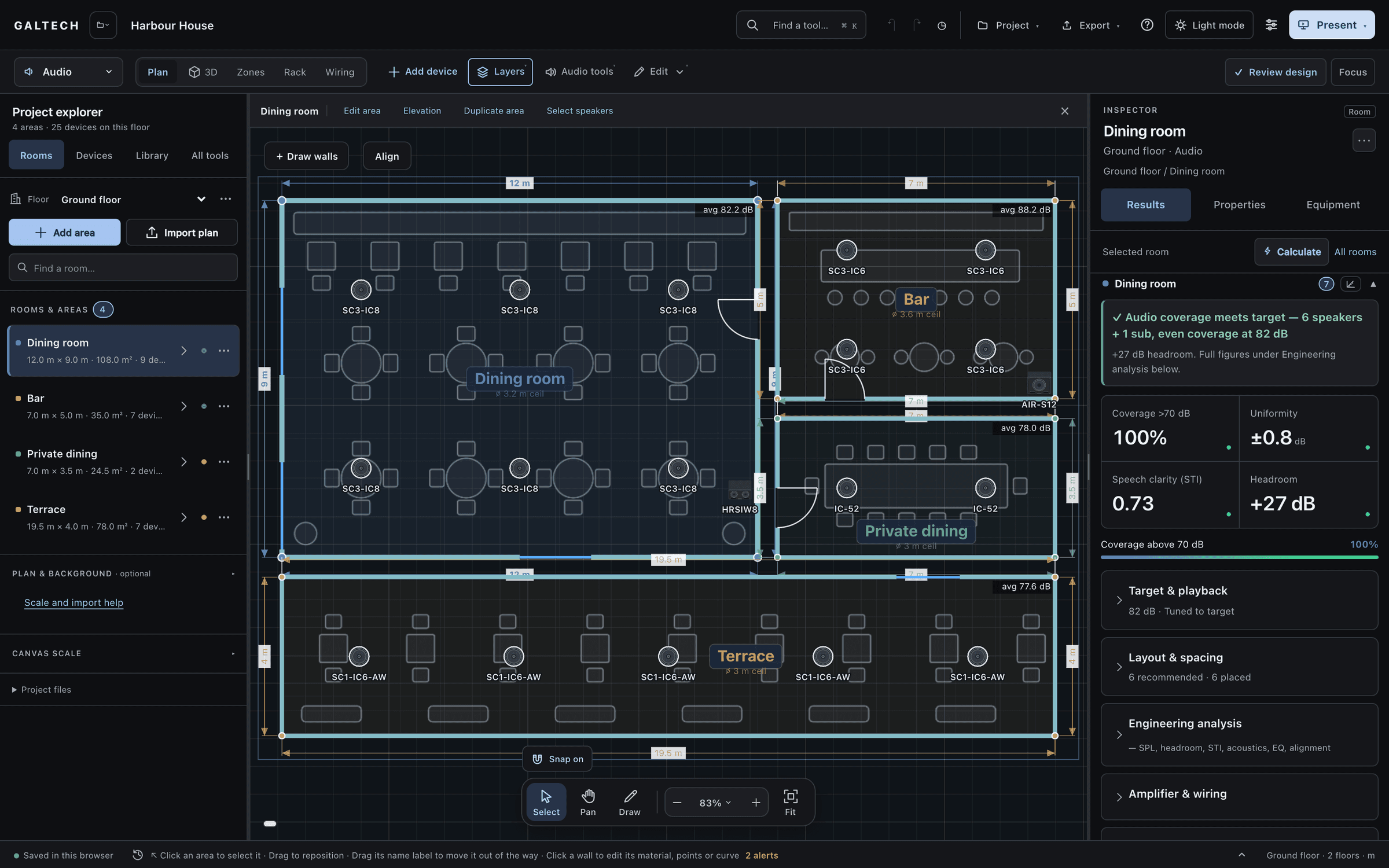
Ready when the client is.
Draw it, check it, show it, price it and hand it over, from one project.
15-day trial for approved companies. No card, nothing to cancel.