Design
Aim the beam at the people, not the floor.
See where a wall speaker’s beam meets the people listening. A side view draws the aim axis, the vertical beam and the listening height, and reads out where the beam lands.
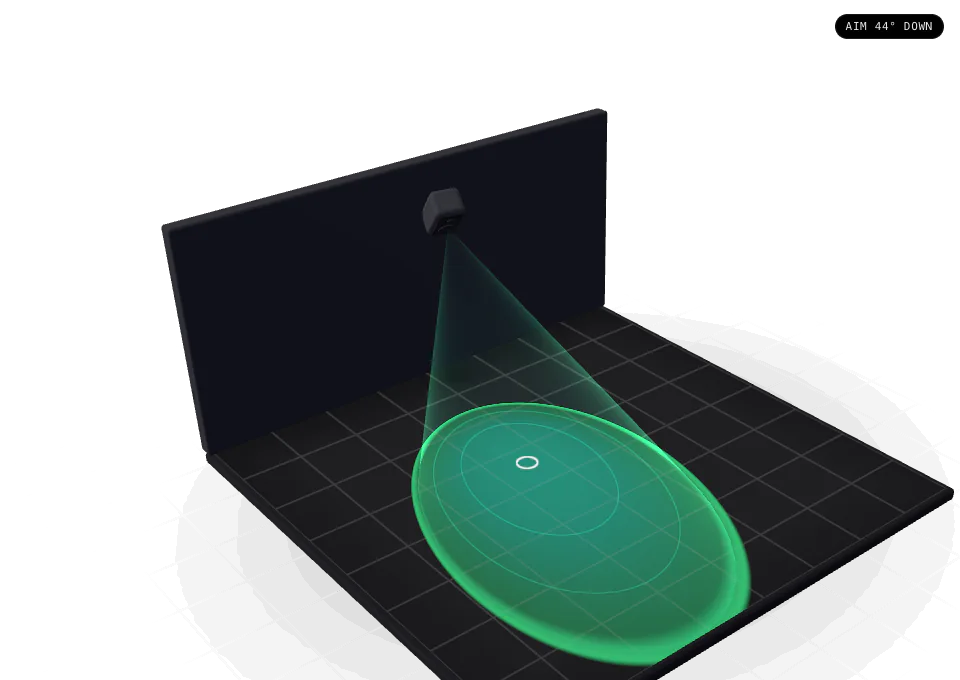
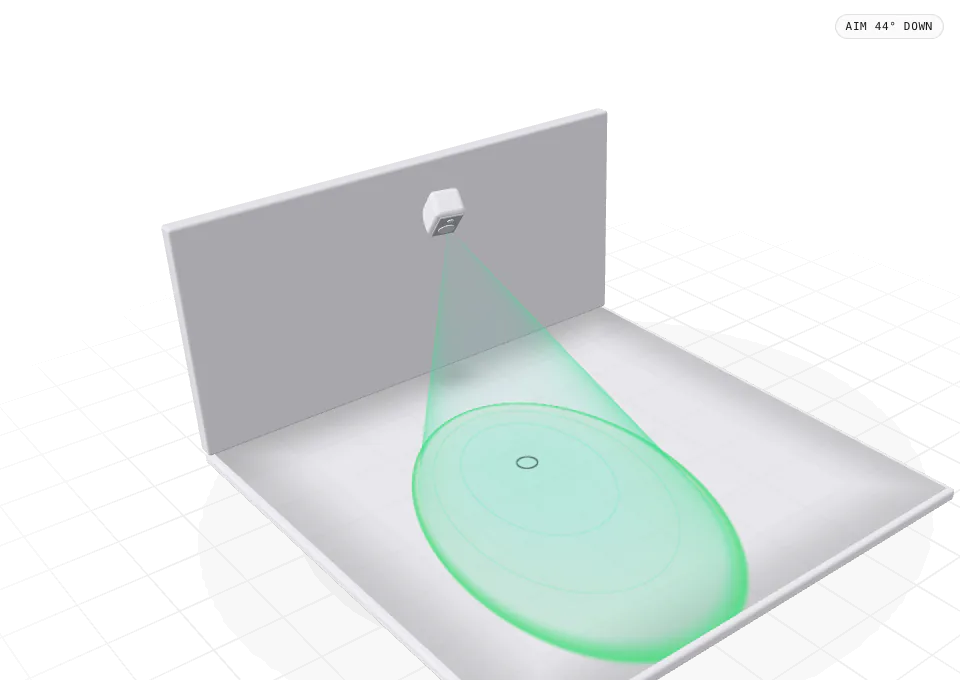
side view
The section a plan cannot show.
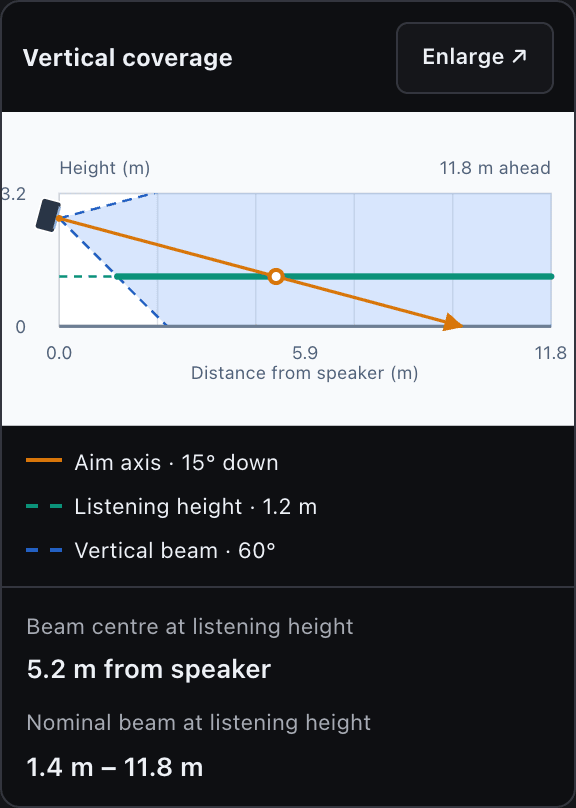
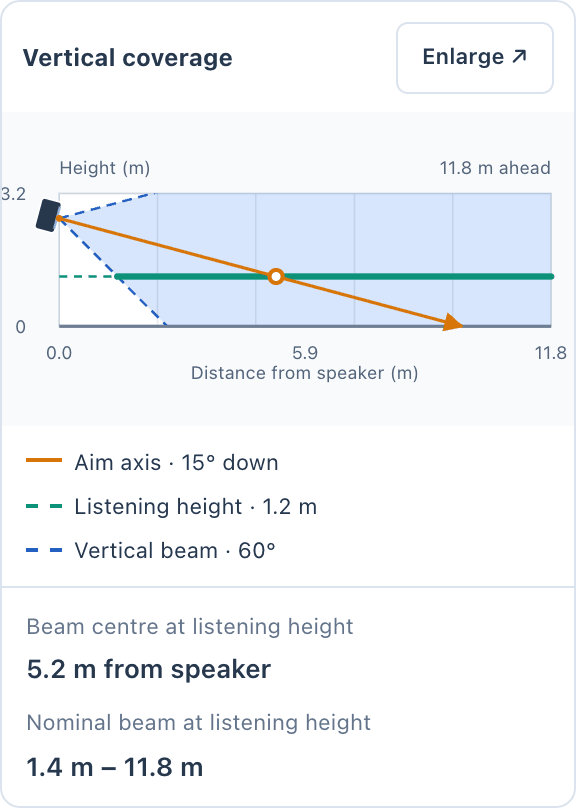
Select a speaker, open Properties, then Aiming and orientation. Vertical coverage draws a section through the speaker along its pan direction: the aim axis in orange, the nominal beam edges as blue dashed lines, and the listening height as a green band where the beam crosses it.
It reads out two distances: where the beam centre meets the listening height, and the stretch of floor the nominal beam covers at that height. In the Harbour House dining room, an AIR-C6 tilted 15° down with a 60° vertical beam meets the 1.2 m listening height 5.2 m out, and covers 1.4 m to 11.8 m.
Change the pan direction to look along another section, or switch to Sound level to see the selected speaker’s predicted contribution against its dB scale.
how it works
Compare the beam, the listeners and the level.
Understand vertical aimTask guide 05 · 3 min
Open the side view
Select the speaker and open Properties → Aiming & orientation. Find Vertical coverage and choose Enlarge. The side view follows the saved Pan direction. On wider screens, the diagram, distance readouts and aiming controls appear together.
Compare tilt settings
Choose Down 30° as a starting example. Adjust Vertical tilt to compare 45° and 20° down, using the slider or its arrow keys. The orange line is the beam centre; blue dashed lines show nominal beam edges. The thick green segment marks the listening-height range inside that beam.
Compare beam and sound level
Read Beam centre at listening height and Nominal beam at listening height. Choose Sound level to inspect the selected speaker’s predicted contribution against its dB scale. Change Pan direction to inspect another section, then return to Beam coverage to compare the distances.
Keep in mind
Aiming changes direction while preserving the speaker’s position and mounting height. Nominal beam coverage does not guarantee adequate loudness. Check Sound level and the complete plan heatmap before deciding on final aiming values.
Lesson 02 · 11:09Speakers, coverage and the 3D review
The whole lessonposition, mount, aim
Three separate edits, so nothing moves by accident.
Position, mounting and aim are kept apart. Distance from walls sets where the speaker sits; Height from floor and Mount set how it is installed; Pan and Vertical tilt set where it points. Changing the aim never moves the speaker, and neither does changing the view.
Mount on the ceiling, a wall, the floor or in a corner. Free position lets a speaker sit anywhere in the area, and Stick to wall keeps it on the nearest wall as you drag. The aim you set survives a trip to 3D, the walk-in and every recalculation.
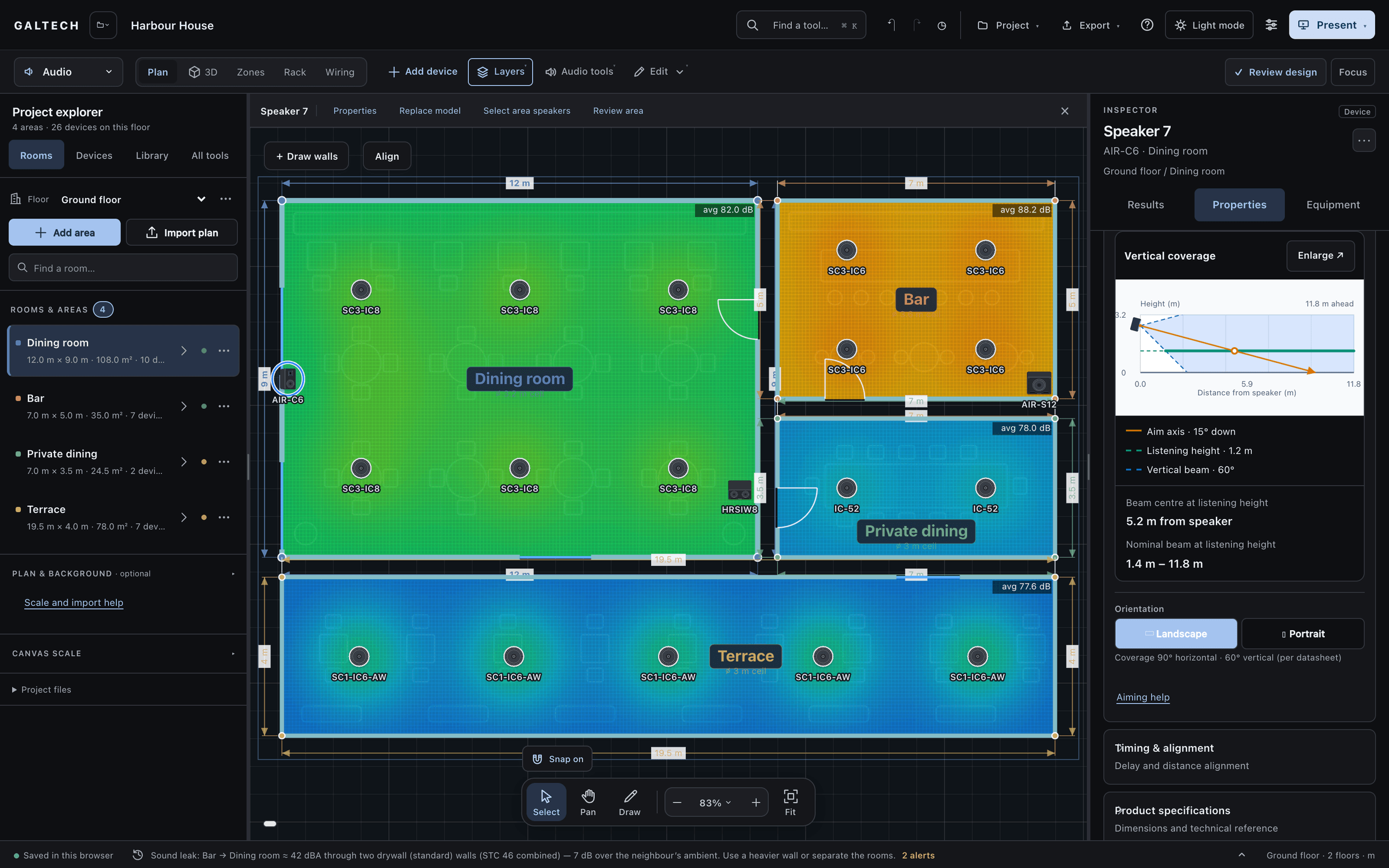
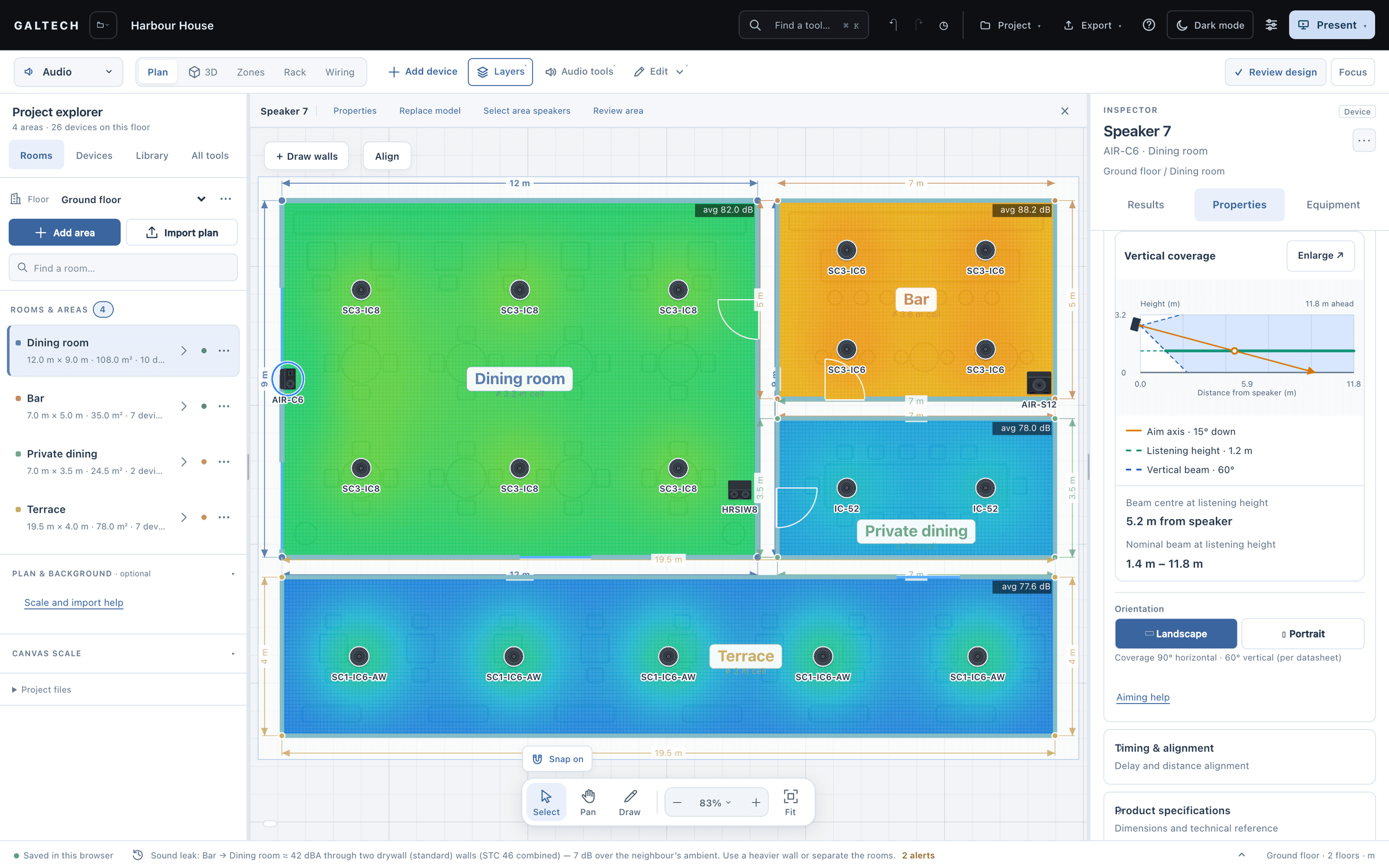
listeners
Real ears, at real heights.
Place a standing or a seated person where the sound matters. A standing listener is heard at about 1.7 m and a seated one at about 1.2 m, so level and coverage are judged at the ear, not at the floor.
The people do more than mark a spot. Tuned levels land the target at them, time alignment syncs the arrivals at them, Apply layout aims speakers at the nearest one, and they appear in the 3D walk and the client tour.
A beam aimed over the seating spends its level on the far wall; one tilted too steeply piles it up near the speaker. The side view shows which before anything is fixed to the wall.
Beam is not level
A nominal beam that reaches the listeners is not the same as enough level. Check Sound level and the whole heatmap before you settle the aim.
in figures
The side view, in figures.
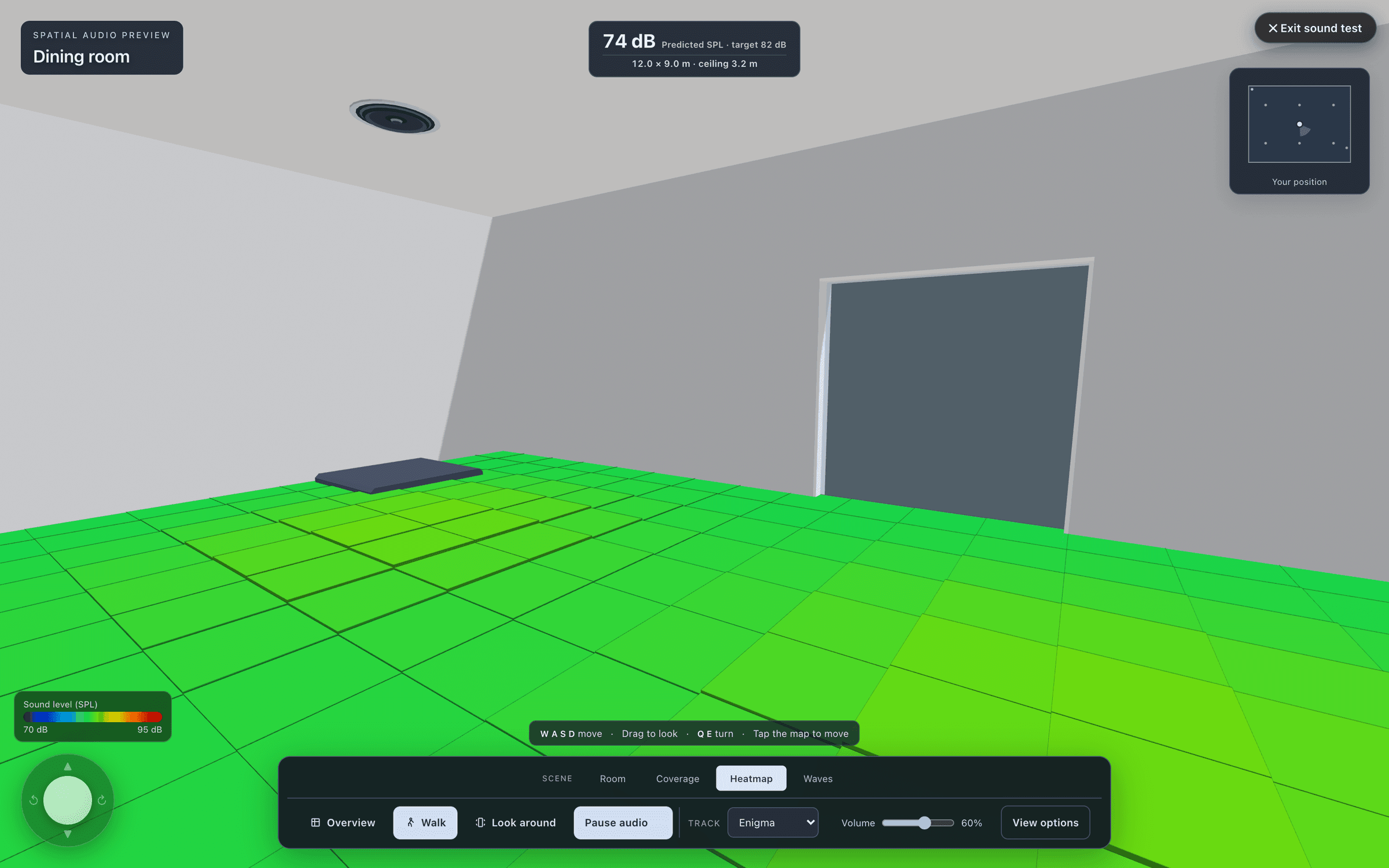
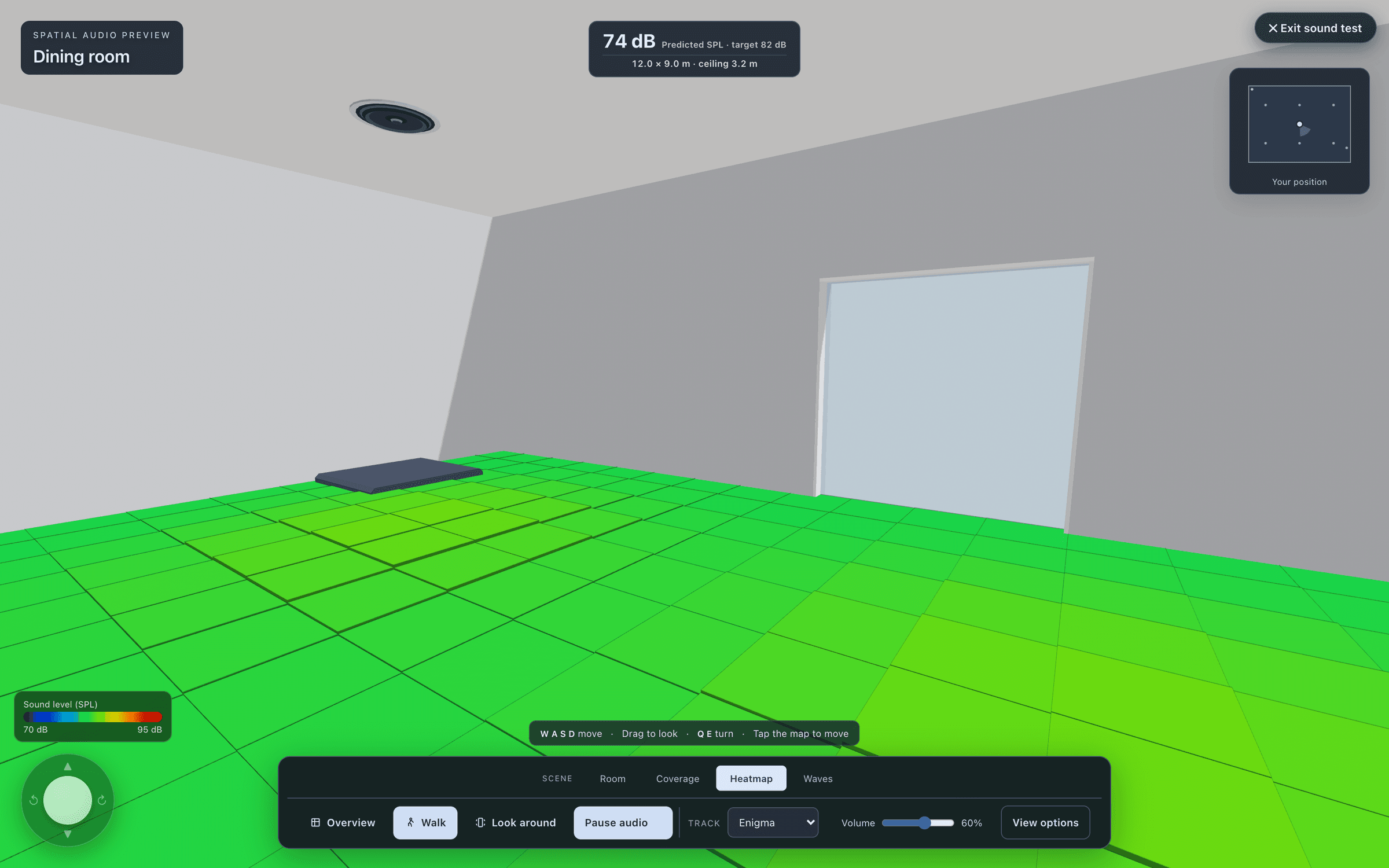
The demo figures are the Harbour House dining room, where the screenshots were taken.
- standing ear height
- 1.7 m
- seated ear height
- 1.2 m
- beam centre at ear height (demo)
- 5.2 m
- down, with a 60° vertical beam (demo)
- 15°
| Ceiling | 3.2 m |
|---|---|
| Aim axis | 15° down |
| Vertical beam | 60° |
| Listening height | 1.2 m, seated |
| Beam centre at listening height | 5.2 m from the speaker |
| Nominal beam at listening height | 1.4 m to 11.8 m |
questions
Questions, answered plainly.
My speaker points the wrong way. What should I check?
Select the speaker and confirm its model and room in Properties. In Aiming and orientation, pan sets the direction on the plan and tilt the vertical angle; enlarge Vertical coverage to inspect the beam. The beam should change direction while the mounting position stays where it is.
The troubleshooting articleDoes the aim carry into 3D and the paperwork?
Yes. The aim survives a trip to 3D and every recalculation, the walk-in sound follows each speaker’s tilt, and the installation schedule in the bill of materials lists every speaker’s mount, height, position and aim.
Ready when the client is.
Draw it, check it, show it, price it and hand it over, from one project.
15-day trial for approved companies. No card, nothing to cancel.