Delivery
The proposal and the installer pack, from the same design.
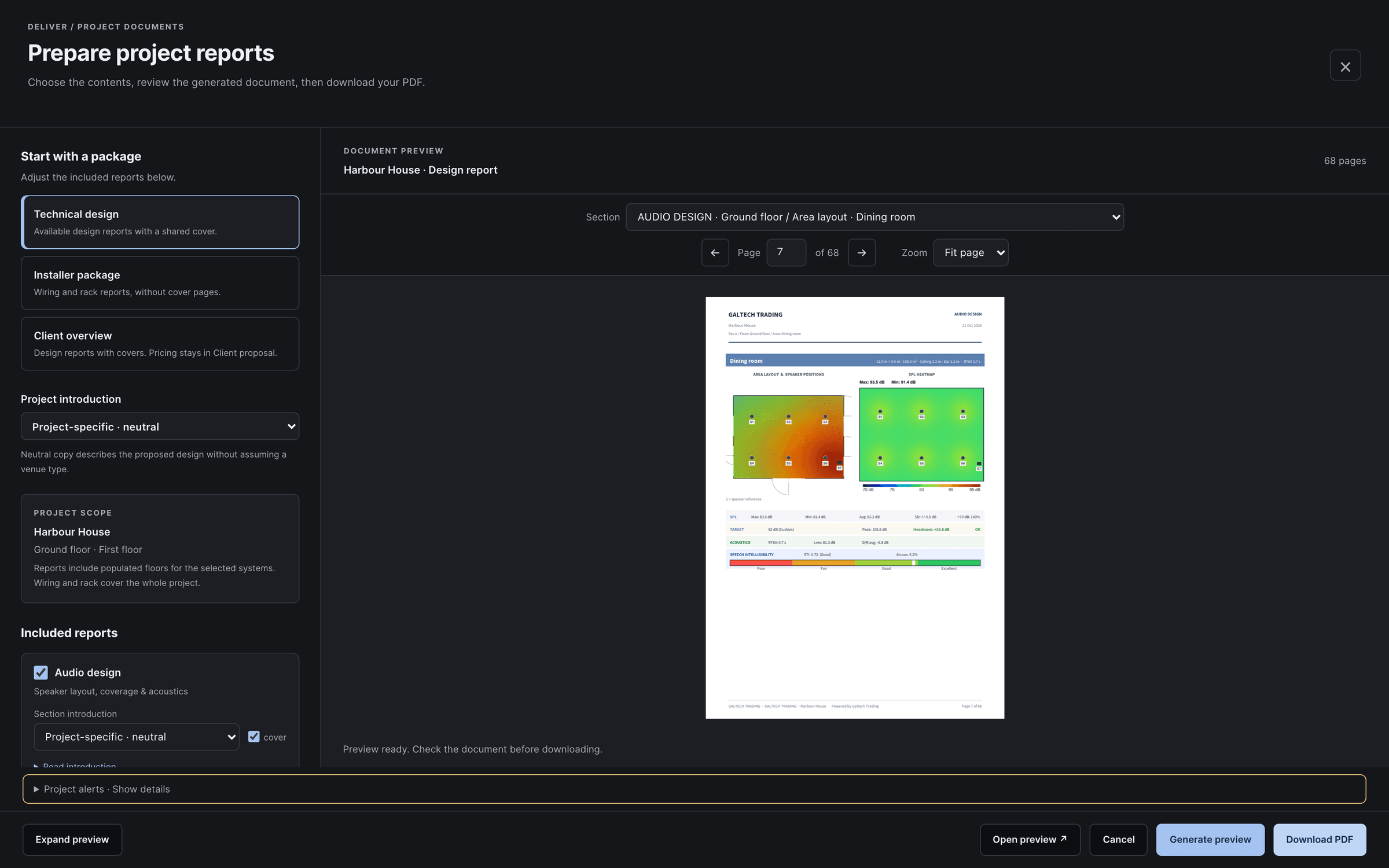
The client proposal and the installer pack, from the same design. Prepare reports builds each package with a live PDF preview, and nothing downloads until you press Download.
prepare reports
One workspace for every report.
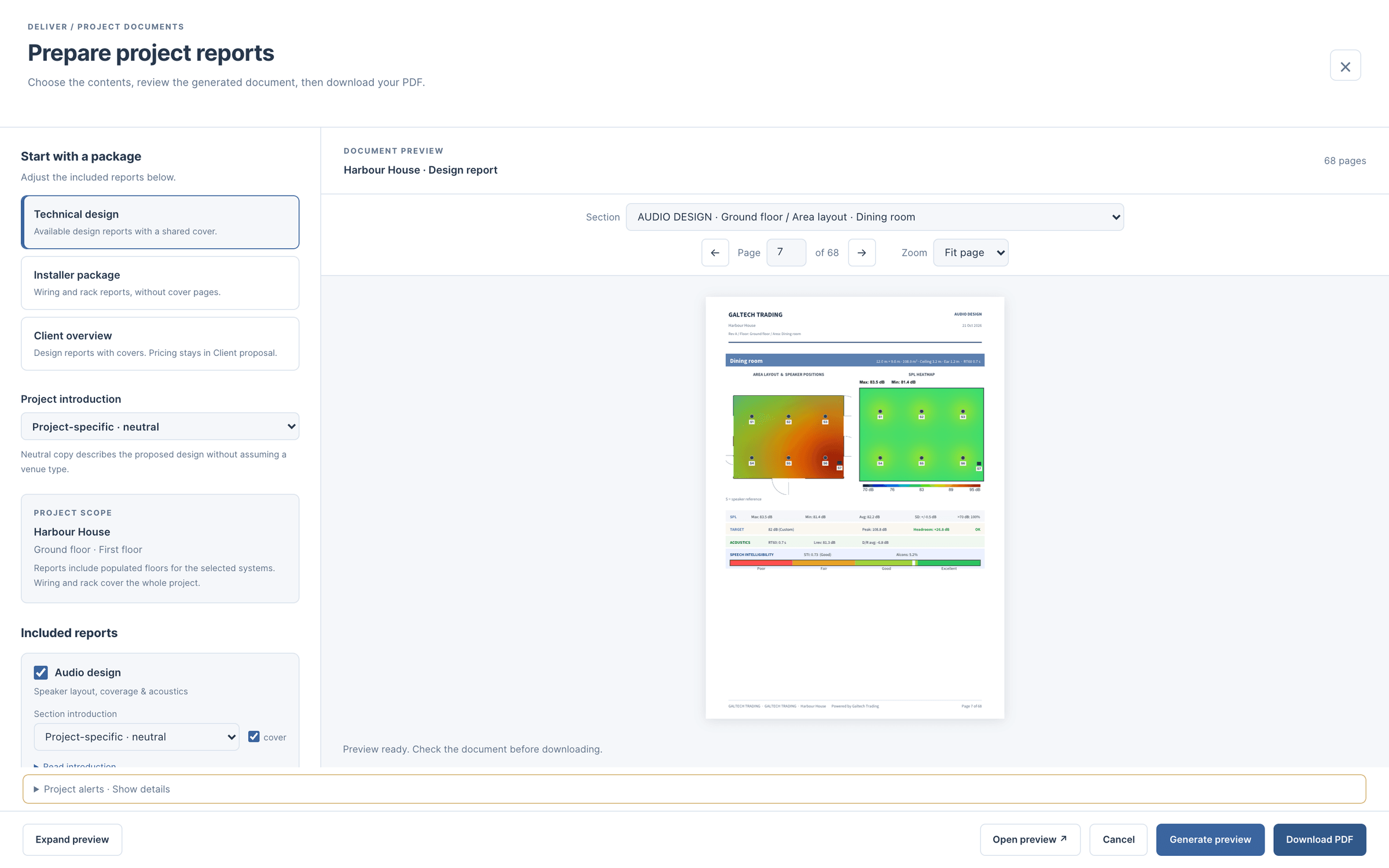
Export, Prepare reports opens a full-page workspace. Choose a package, tick the sections, pick an introduction for the venue type and generate a preview. The PDF renders in the page with contents, bookmarks, page navigation and zoom, and updates when you change a setting.
Figures print at three times the screen resolution. Speakers, access points, cameras and listening positions carry S1, AP1, C1 and P1 references that match the location schedules, and an area with nothing in it gets no page, so a traced corridor never pads the document.
Your company name and contact fill every report from your portal login. Add your logo once and it appears on the proposal, the reports, the CAD title block and the client’s 3D welcome screen.
Client
Design reports with covers. Pricing stays in the client proposal.
Installer
Wiring and rack reports, ready for site.
Full handover
Everything the job produced, in one set.
client proposal
A priced proposal, in the client’s currency.
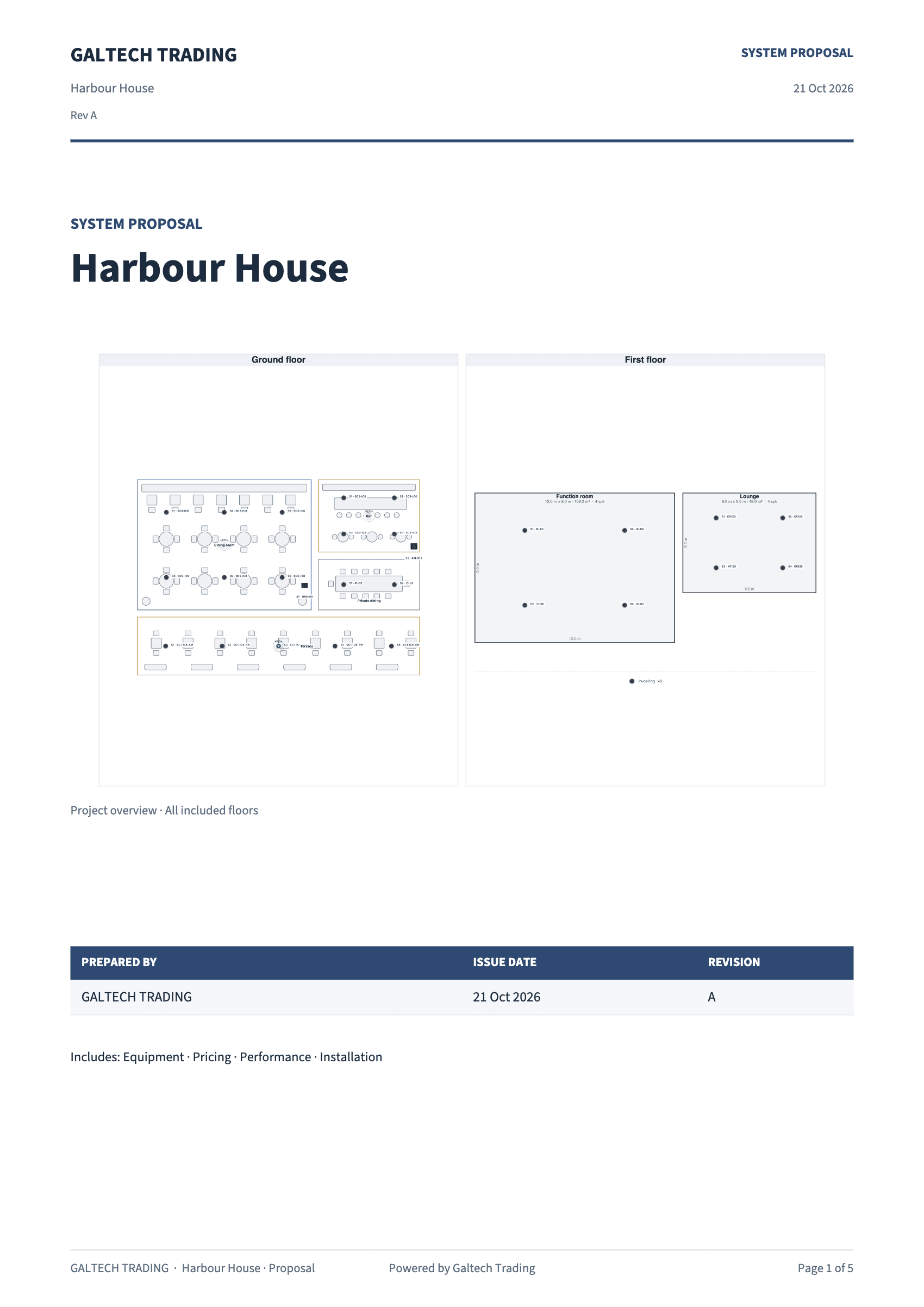
The client proposal is a full quotation: a cover with your logo, the project and a plan of every area (or your own picture), equipment grouped by area and priced, a system performance table of target against predicted level and coverage per area, and terms and acceptance with a signature block. Unpriced lines print On request.
Prices are in $, AED, EUR, GBP or SAR, with labour and tax or VAT as percentages; the currency starts from your dealer account and can change per client. Set the revision, the validity in days and your own terms in the same window, and they save with the project.
Quote lines export as a CSV made for Zoho Books or QuickBooks: one table, a part code on every row, only the lines left in the proposal, in its currency. Import it as an estimate instead of retyping it.
For dealers
In the dealer portal, the branded client proposal is part of Premium. The trial and Professional include it.
how it works
Issue a coordinated package with clear project information.
Prepare reports and handoverTask guide 15 · 3 min
Complete project information
Open Project details and check the project name, client information, date and revision before exporting.
Review the design package
Use Review design and the Inspector to resolve the relevant issues. Check the plan, device models, schedules, rack and wiring against one another.
Export and inspect
Open Export → Prepare reports. Choose a package and its introductions, then generate a preview. Use Contents or the Section menu to find a drawing or schedule. Expand preview gives the document more room; Fit page shows the whole sheet and Fit width enlarges details. Inspect the actual pages before downloading. Include the relevant CAD files, cable schedules and commissioning information in the handover.
Keep in mind
Save a project file as well as the deliverables so the design can be edited later.
Lesson 03 · 9:38Zones, rack, wiring, reports and handover
- 5:10The Export menu
- 5:49Prepare reports
- 6:15The report preview
- 7:14Review design
- 7:51Equipment and BOM
- 8:27Client handover
- 8:54Site tracking
installer pack
What the installer takes to site.
Bill of materials, CSV
The priced BOM with a speaker installation schedule (mount, height, position, aim), a cable schedule, a pull schedule for every home run (from the plan, plus the ceiling drop and 15% slack) and a network, IP and Dante schedule.
System reports, PDF
Audio, video, automation, Wi-Fi, CCTV, wiring and rack, each its own branded PDF or all in one. The audio report closes with an acoustics appendix: RT60 per area and octave, the materials, the ray-traced check and the treatment advice.
CAD, DXF
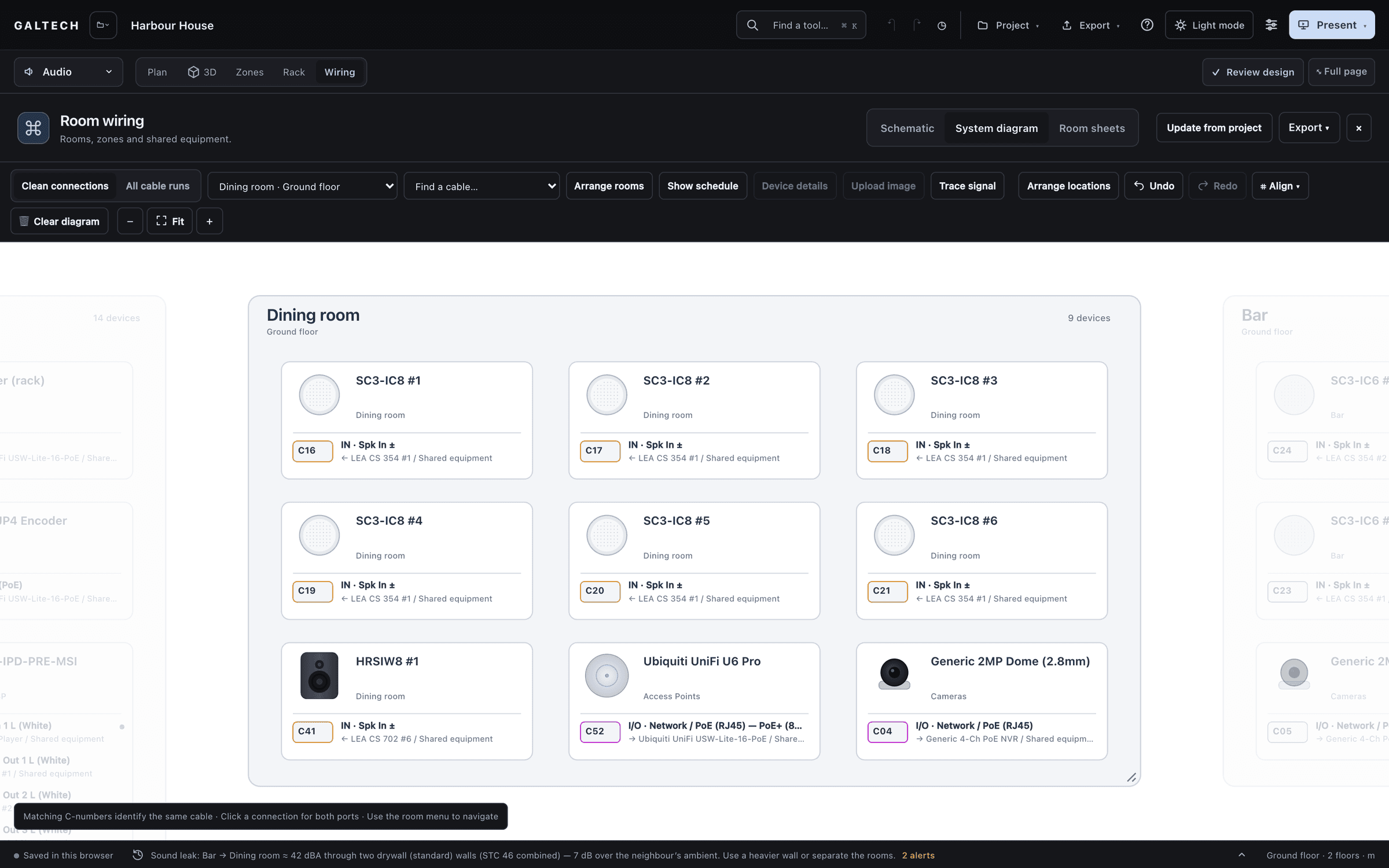
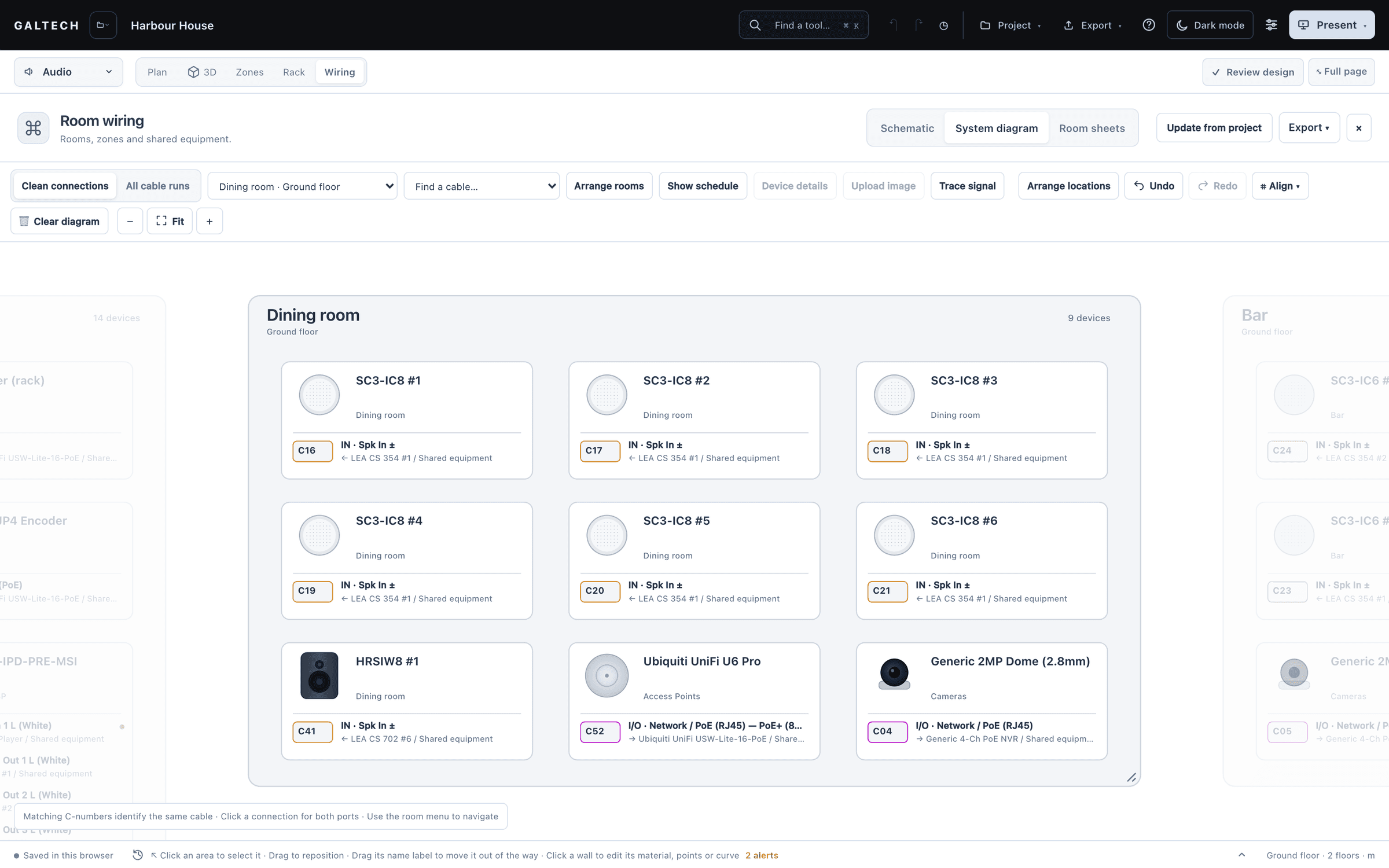
The 2D plan over its original underlay with layers and a legend, a 3D model that opens in SketchUp, AutoCAD, BricsCAD and LibreCAD, the wiring with cable layers, and the rack.
DSP preset sheet, PDF
A channel strip for every output (level trim, polarity, high-pass and low-pass filters, the crossover for a zone with a sub, a starting EQ, a limiter set to the speaker’s rating, the time-alignment delay), then a walk sheet per speaker.
site tracking
Predicted on the plan, checked on site.
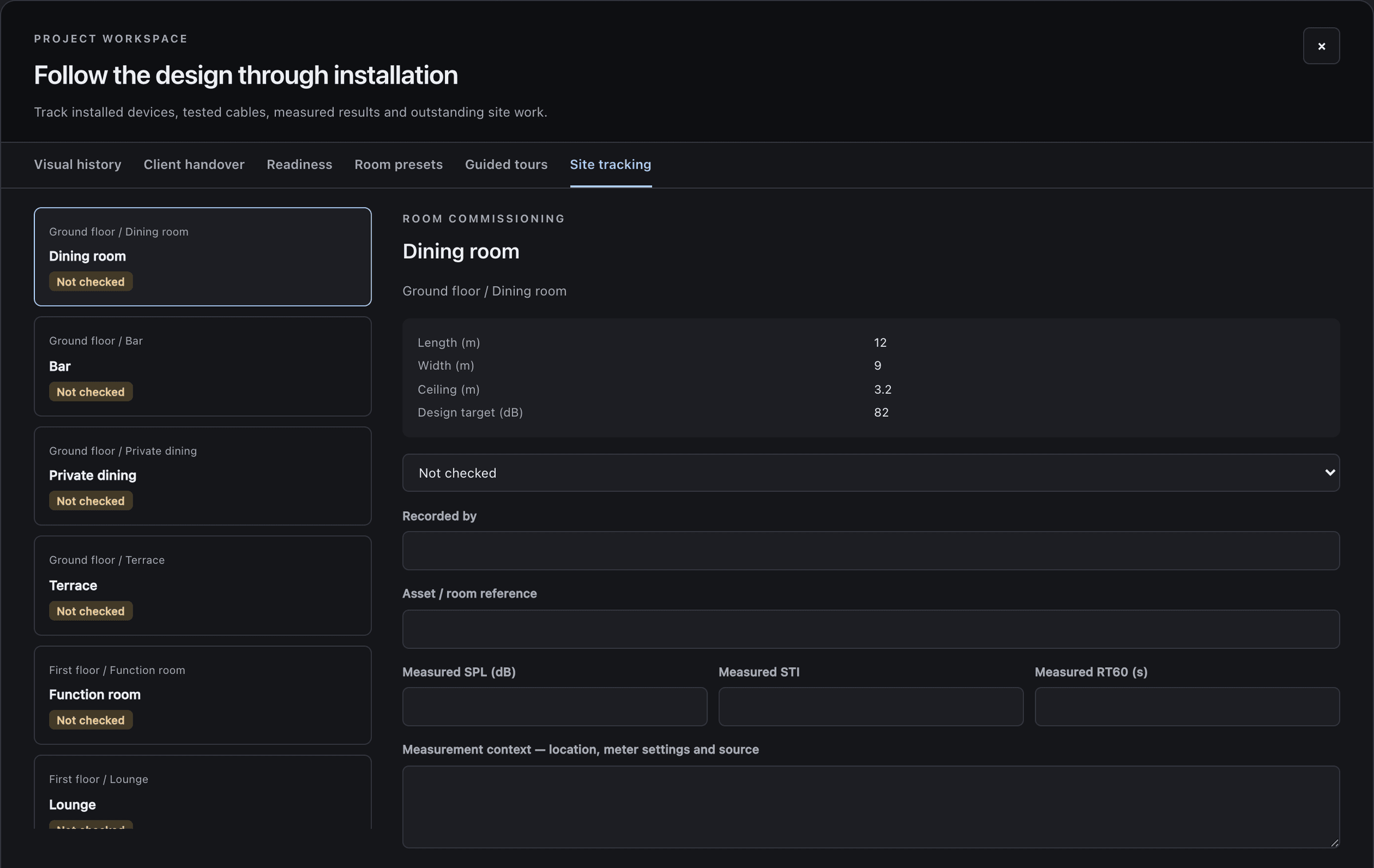
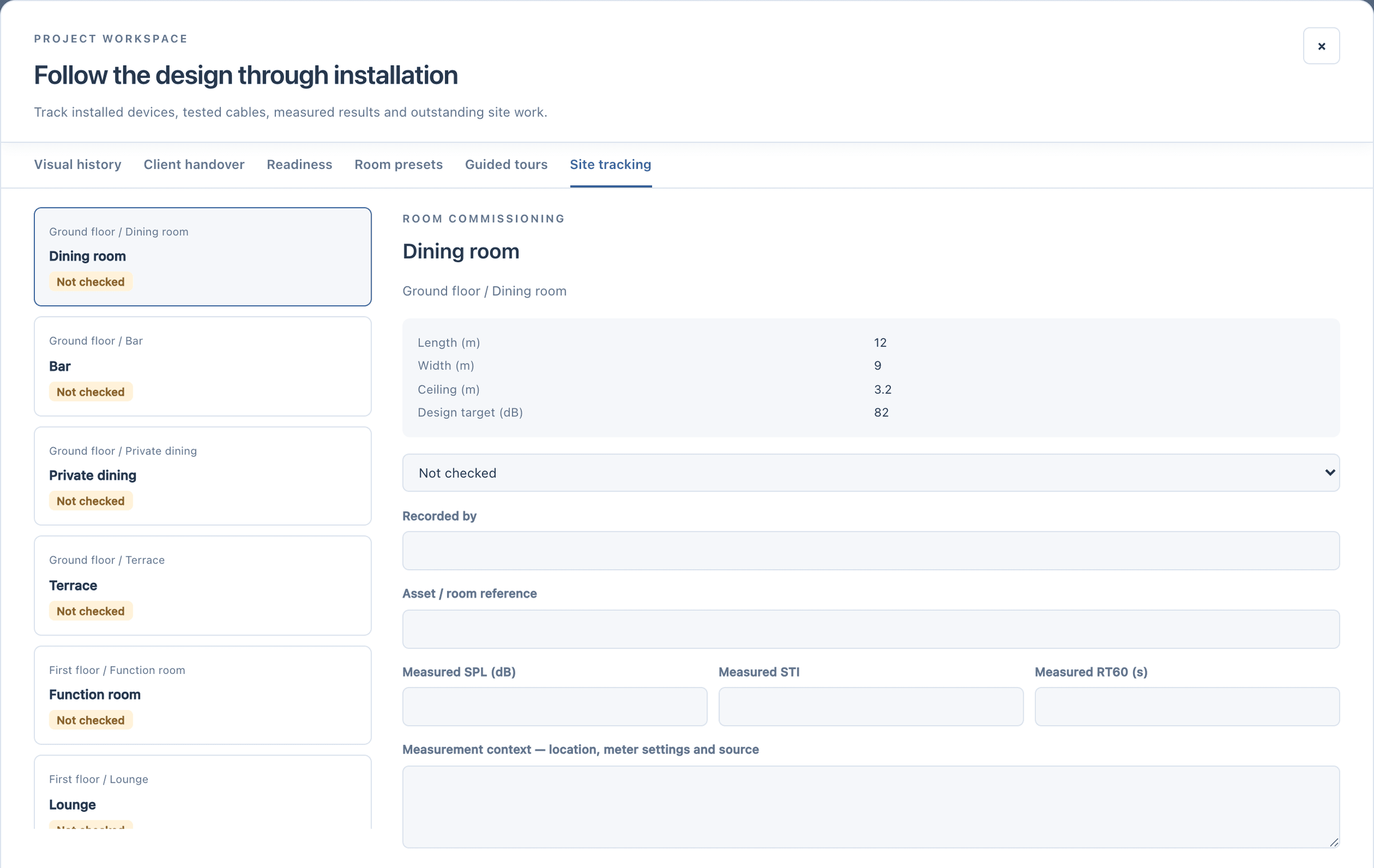
Site tracking follows the design through installation. Each room keeps a commissioning record beside its design values (length, width, ceiling and the design target): a status, who recorded it, and the measured SPL, STI and RT60 with the measurement context. The readings sit beside the design values; the tool does not pass or fail a room on them.
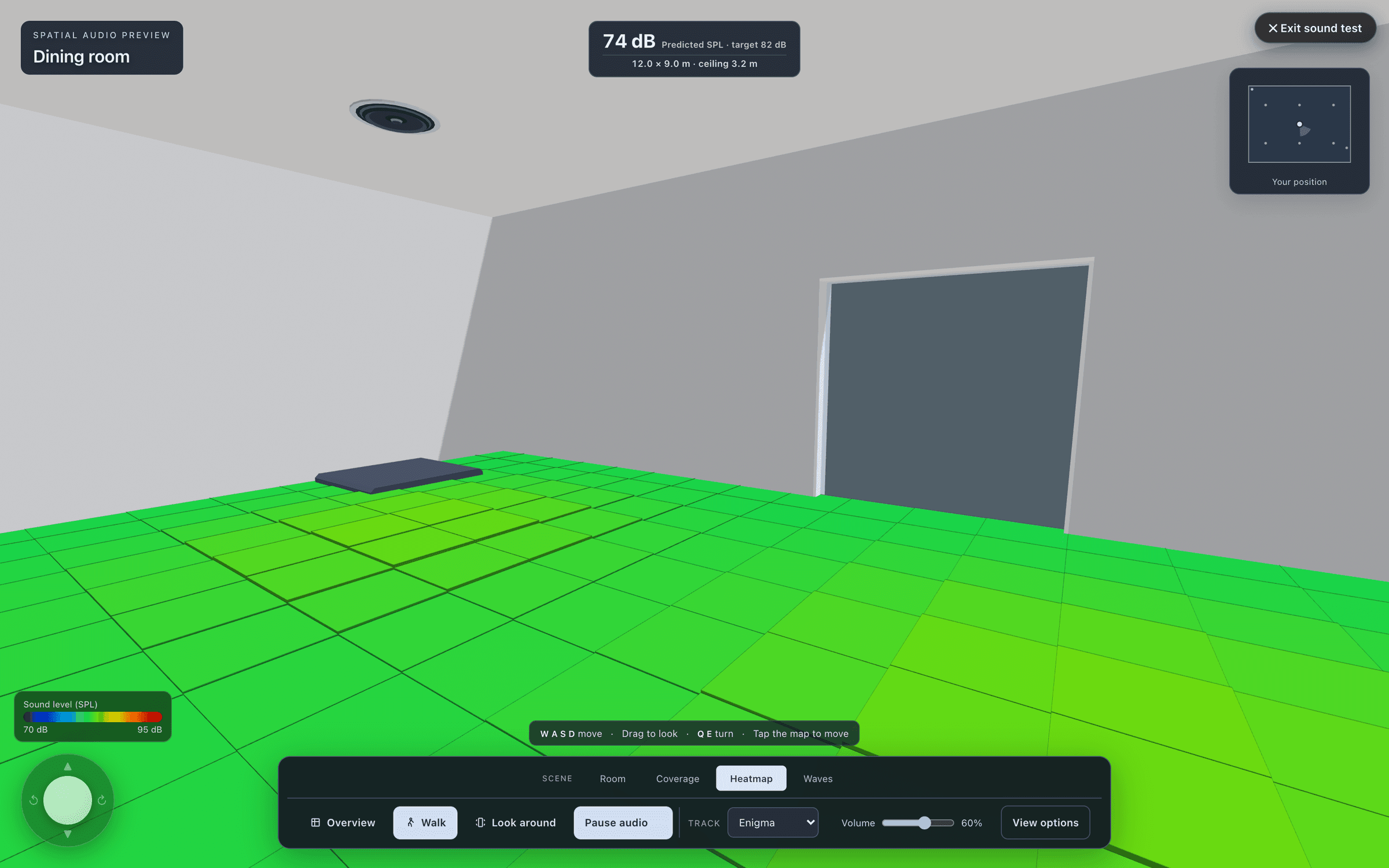
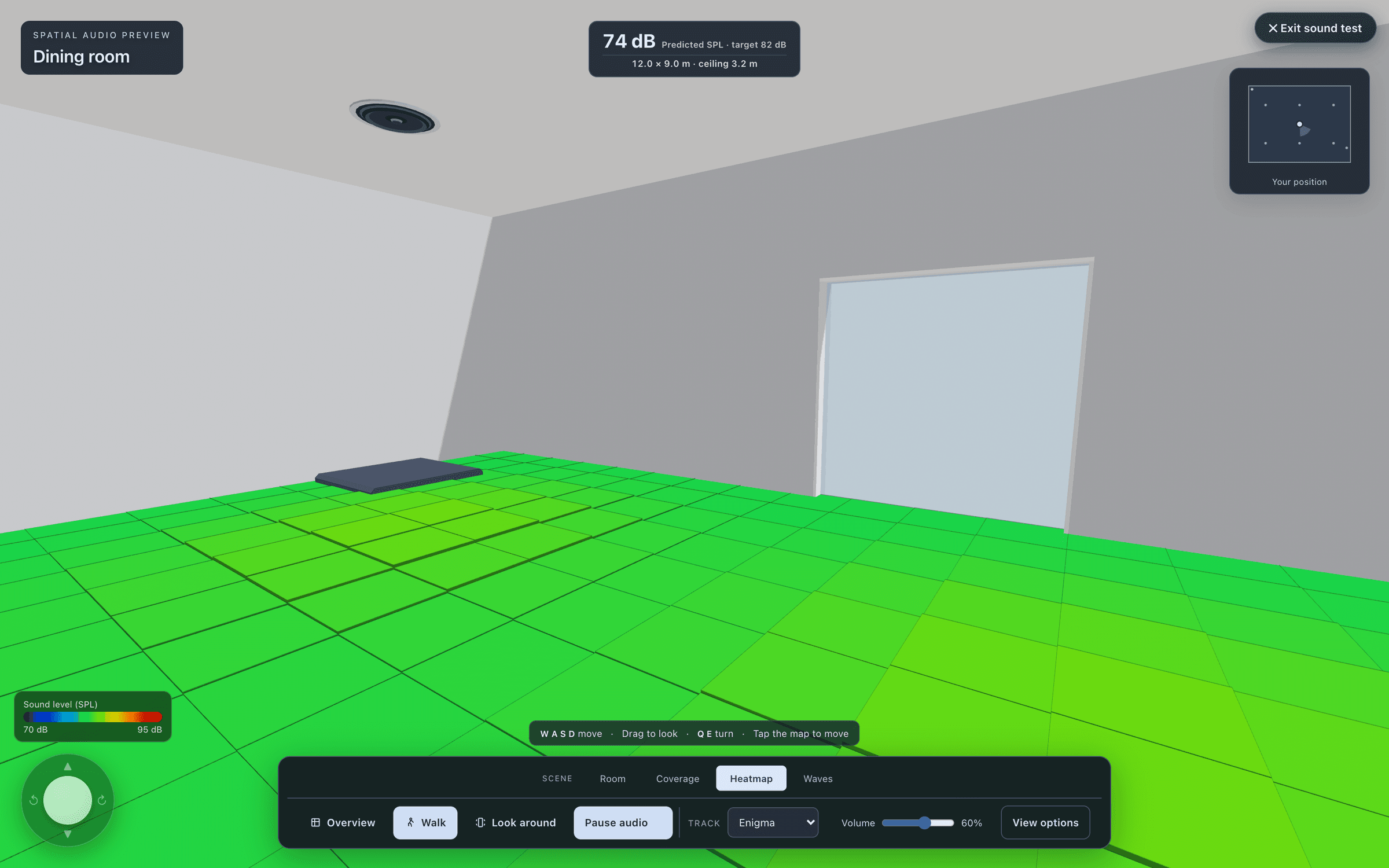
For audio, site calibration goes one step further: type the measured average SPL and the model trims itself to match, so the heatmap, the standards check and the 3D sound test describe the room as built. Every calibrated area prints in the audio report as a site validation table, predicted against measured.
in figures
The paperwork, in figures.
- system reports
- 7
- proposal currencies: $, AED, EUR, GBP and SAR
- 5
- packages: client, installer, full handover
- 3
- pages in the demo report
- 68
| System reports | PDFA branded PDF for audio, video, control, Wi-Fi, CCTV, wiring or rack, or all of them in one. |
|---|---|
| Client proposal | PDFYour cover image, grouped by area and priced, with tax, terms and a signature block. |
| Share 3D | QRA QR code or link to an area’s 3D tour, for 90 days unless you revoke it sooner. |
| Bill of materials | CSVA priced BOM with the install schedule and cable runs, and equipment lists per area. |
| Quote lines | CSVOne clean table to import as an estimate into Zoho Books or QuickBooks. |
| CAD drawings | DXFThe 2D plan over its original underlay, a 3D model, and the wiring with cable layers. |
| Rack elevation | PDF, DXF, PNGFront and rear, with power, heat and weight. |
| DSP preset sheet | PDFLevel, polarity, filters, crossover, EQ, limiter and delay for every output. |
| Room sheets and schedules | PDFPlan, equipment and connection schedules, printed room by room. |
| Site tracking | PDFMeasured SPL, STI and RT60 per area, recorded through installation against the prediction. |
questions
Questions, answered plainly.
My report is missing a section or has the wrong introduction.
Open Export, Prepare reports, check the selected reports and the project scope, choose a neutral or venue-specific introduction and generate the preview again. Use Contents or the Section menu to check each drawing and schedule before you download.
The troubleshooting articleCan the quote go into my accounts system?
Yes, as a file. Quote lines export as a CSV made for Zoho Books or QuickBooks, which you import there as an estimate. It is a CSV import, not a live connection.
Do the exports replace saving the project?
No. PDFs and CAD files are deliverables. Save a project file as well, so the design can be edited later.
Ready when the client is.
Draw it, check it, show it, price it and hand it over, from one project.
15-day trial for approved companies. No card, nothing to cancel.