Review and delivery
Build the client proposal and price the job
Price every line, add your logo, cover image, currency, labour, tax and terms, then export a branded proposal, a priced bill of materials and quote lines.
On this page
The client proposal turns the design into a quotation: every product the design needs, grouped by area and priced, with your branding, your terms and a signature block. The design already knows the quantities, so you only add the prices.
Note
The branded client proposal is part of Premium. Trials and Professional subscriptions include it; dealers get it with Premium. See For dealers.
Open the proposal and add prices
- Open Export → Client proposal.
- Enter the client’s details.
- Enter a unit price for each speaker, amplifier, access point, camera and recorder. The line totals add up as you type.
- Dealers can choose Pull catalogue prices to fill in their dealer prices from the portal.
Cameras and the recorder the design needs are priced lines too: each camera under its area, the recorder in a CCTV group.
Your company and your logo
The Your Company box at the top of the proposal settings brands everything you send:
- Your company name and contact fill in automatically from your portal account. Edit or clear them at any time.
- Add a tagline or contact line: an address, a phone number, a website.
- Choose Upload logo and pick a PNG or JPG. A logo on a transparent or white background looks best. Click the thumbnail to replace or remove it.
Your logo, name and contact then appear on every PDF report, the printed proposal, the CAD title block and the welcome screen of the client’s 3D tour. A small “Powered by Lyra” line always stays in the footer.
A picture on the cover
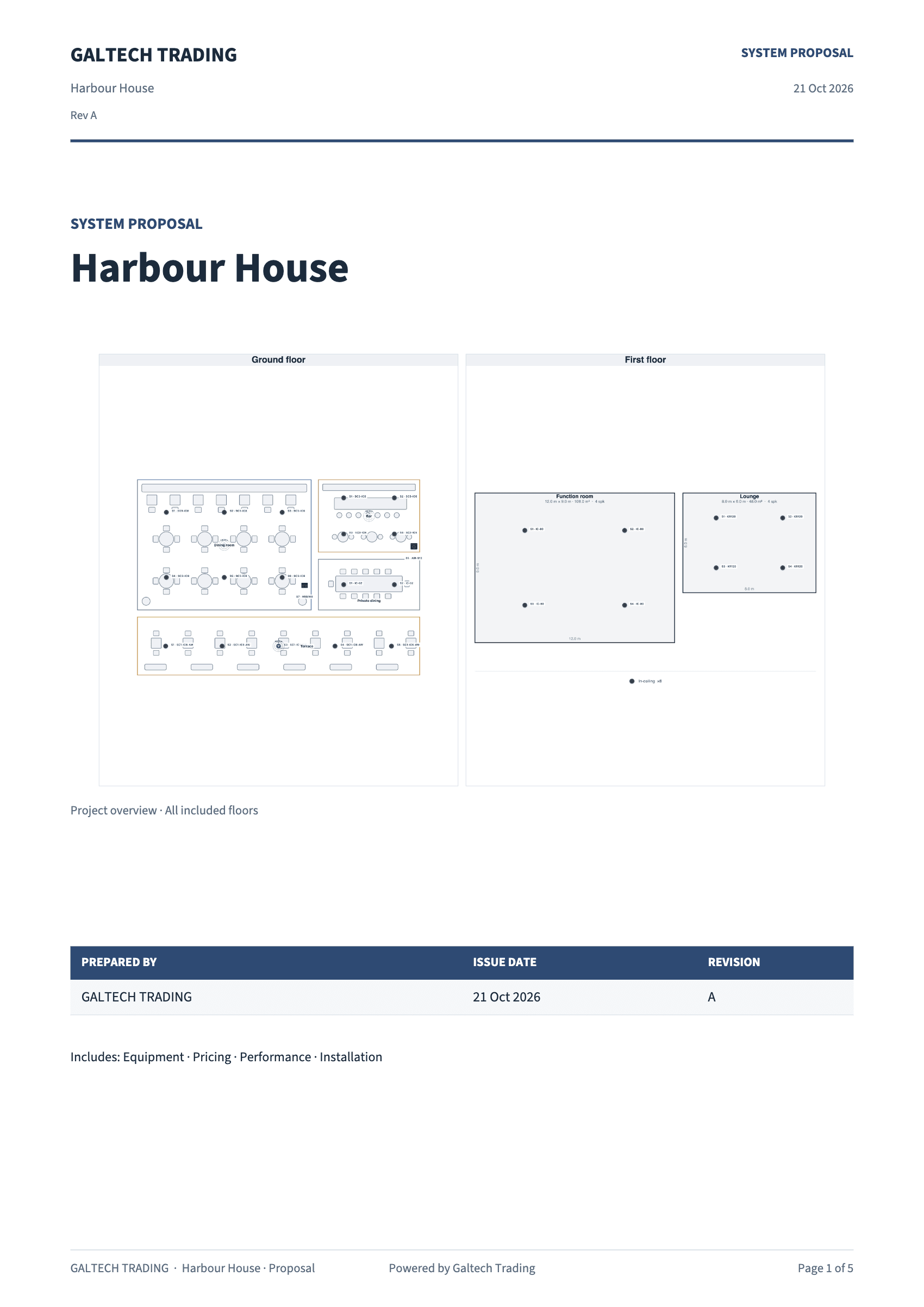
Page 1 shows a plan overview of every area with its speakers, one panel per floor on a multi-floor job. To show your own image instead, such as a render, a photo of a finished room or artwork from the client, choose Upload cover image in the Your Company box. The picture keeps its shape and is saved inside the project. Remove image puts the plan back.
Currency, labour, tax and terms
- Currency is set from your dealer account, such as AED or USD. Change it for a particular client: the proposal offers $, AED, EUR, GBP, SAR.
- Labour and tax or VAT are percentages; the totals update as you type.
- Revision, Valid for (days) and your own Terms, one line per bullet, are set in the same window and saved with the project. Leave the terms empty for the standard ones.
What the client receives
Download PDF produces a clean black-and-white quotation:
- a cover with your logo, the project, the plan overview, who it was prepared for and by, the date, the revision and the validity,
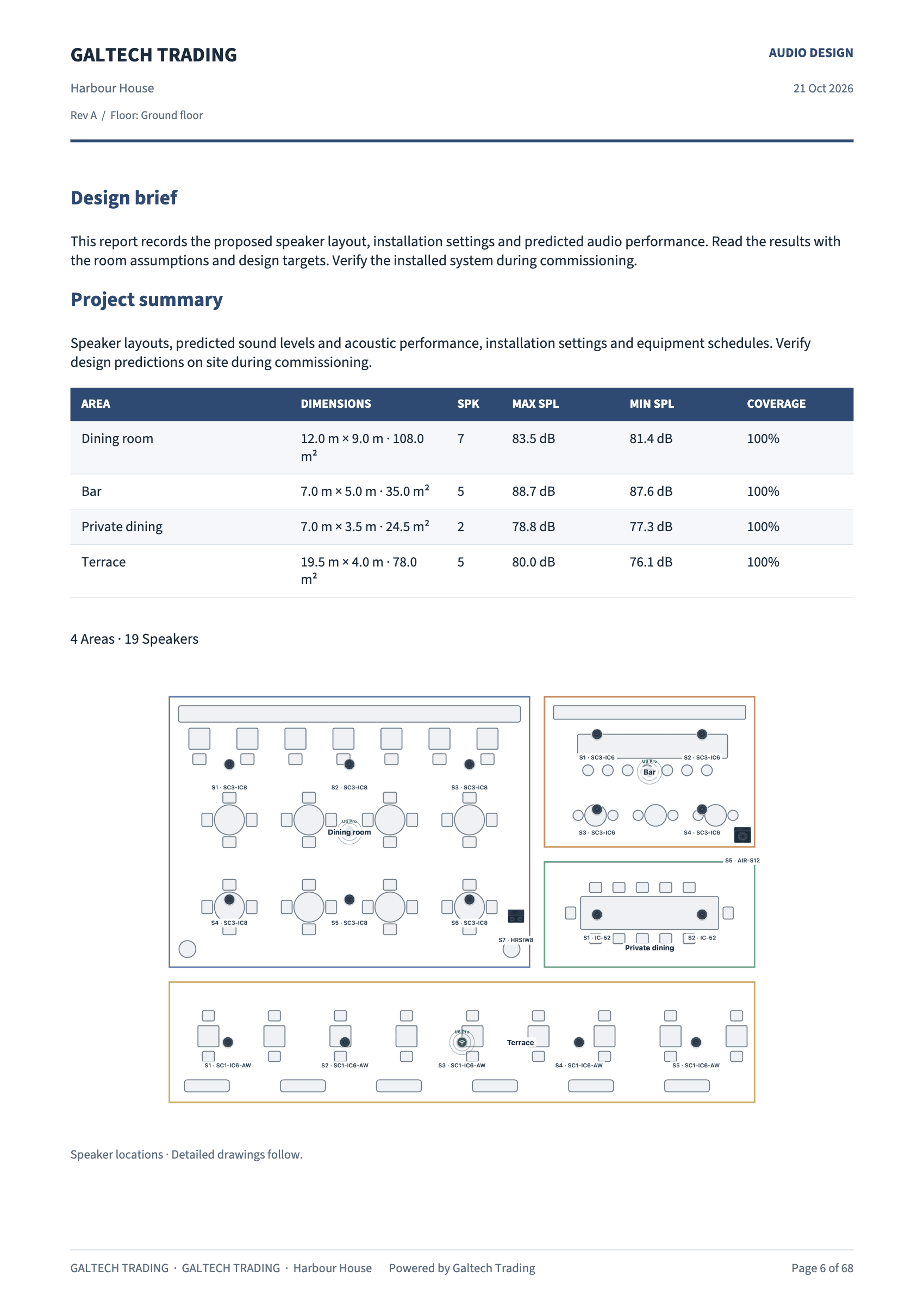
- a System Performance table: the target and the predicted level and coverage for each area,
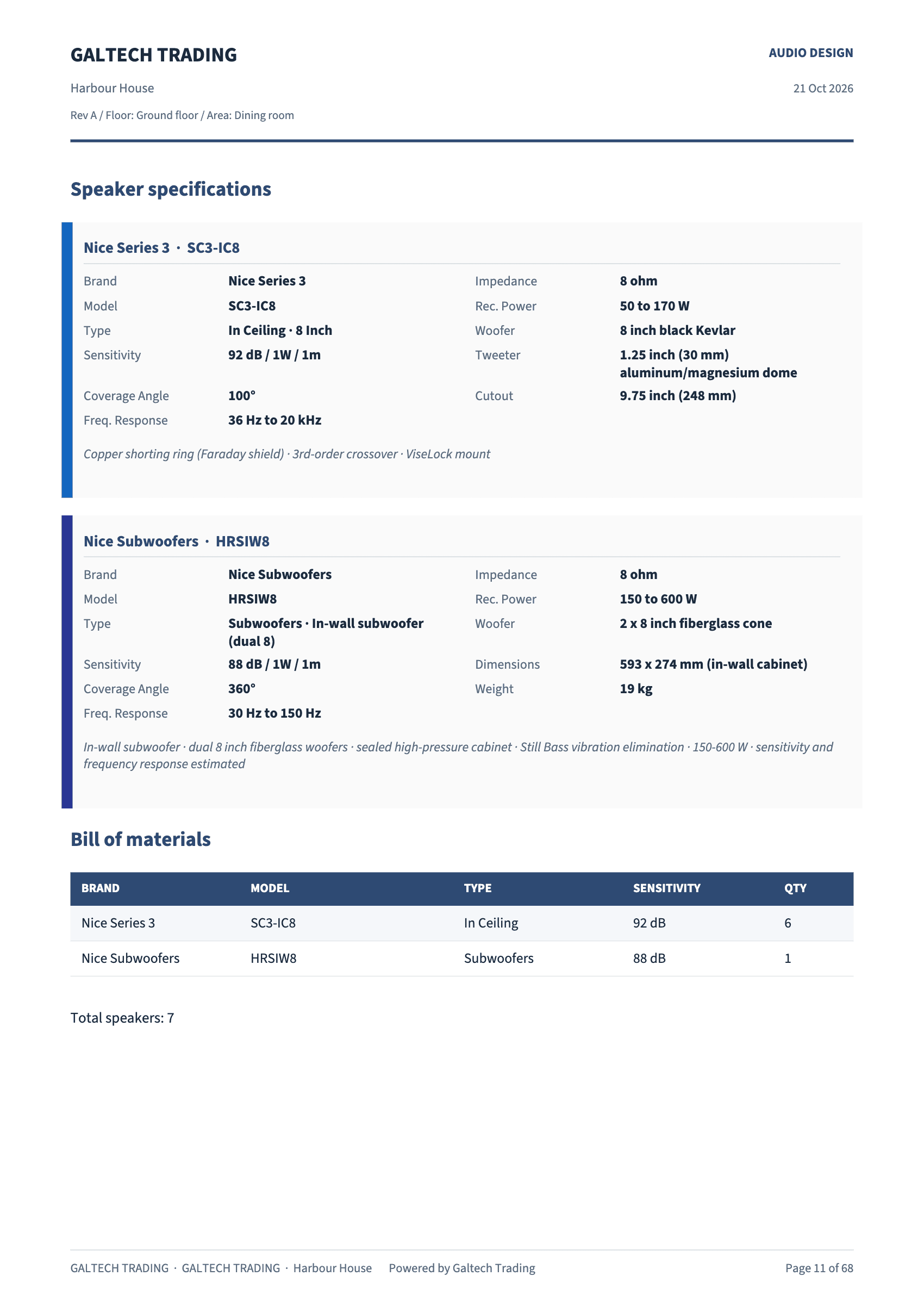
- the equipment, grouped by area, with subtotals, labour, tax and the grand total,
- Terms & Acceptance with a signature block.
A line you did not price prints as On request.
Spreadsheets for the office and the site
- Priced BOM (CSV) is the costed bill of materials with the cable schedule.
- Bill of materials (CSV), from the Export menu, is a full installer’s pack: the priced bill of materials, a speaker installation schedule with mount, height, position and aim, a cable schedule, a cable pull schedule per run, measured from the plan with the ceiling drop and 15% slack, and a network schedule with a suggested IP address, VLAN and role for every amplifier and every AV-over-IP and control device.
- Quote lines for, in the proposal, exports one table of the lines you left in the proposal, each with its part code, for Zoho Books, QuickBooks or a plain spreadsheet. Import it into your accounts as an estimate instead of typing the quote again. It is a CSV file for those programs to import, not a live connection to them, and it carries the proposal’s currency.
From the bill of materials to an order
The Equipment tab in the Inspector is the project inventory, for the current area or the whole project. Dealers can match every line against the catalogue to carry their dealer prices, then send the whole list to their portal cart. See Order the bill of materials online.