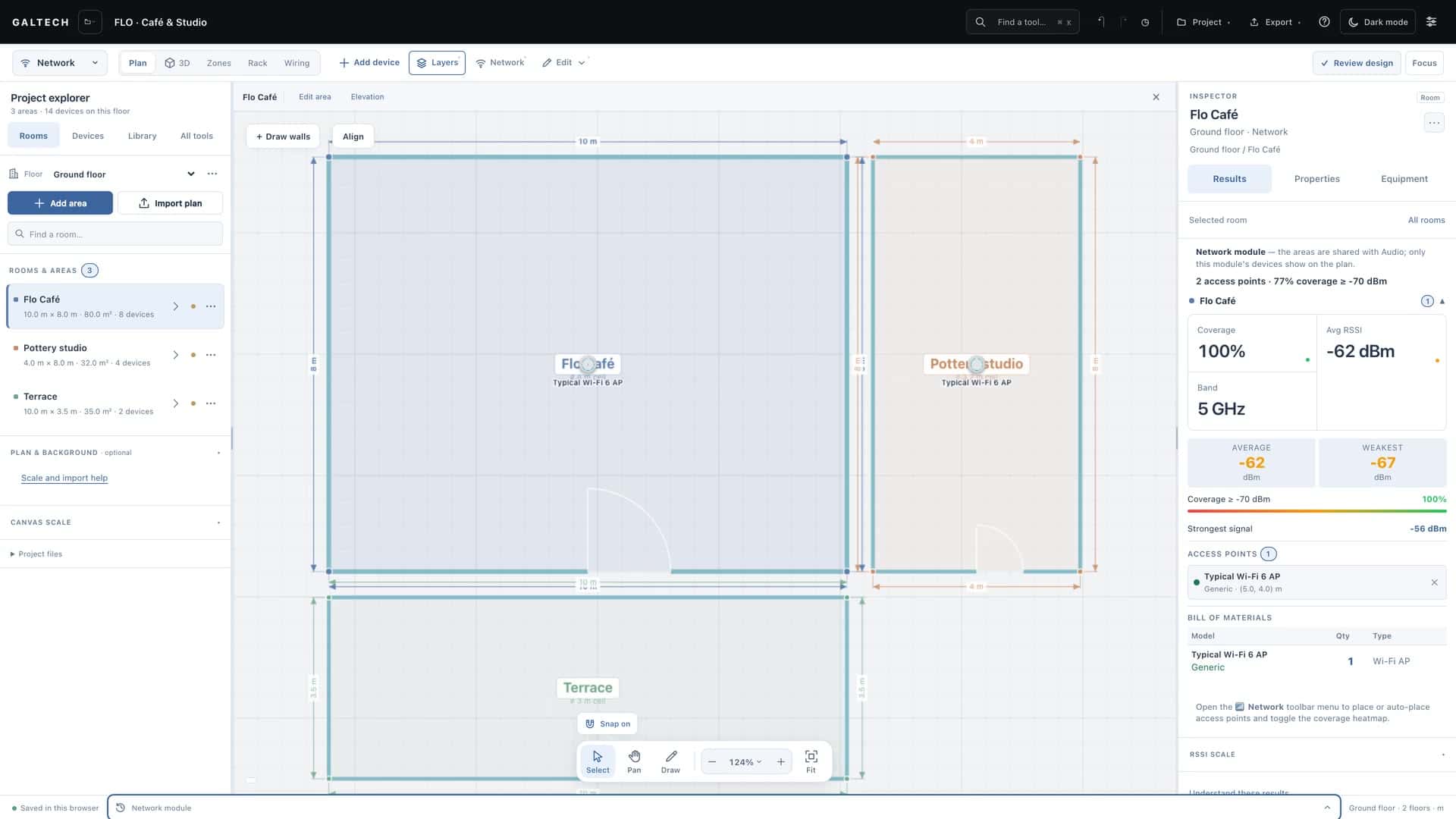
Which processor does this job need?
The EL-SC-150 for smaller jobs and the EL-SC-350 for larger ones, chosen from what the system has to drive. Expanders are added when the ports overflow.
Auto-design
Control, 05
Enter the touch panels, door stations and cameras per area and fold in the audio zones and Netvio video you already designed. The tool picks the ELAN processor, adds EL-IO-200 expanders when the ports run out, and puts the gear into the rack, the BOM and the wiring.
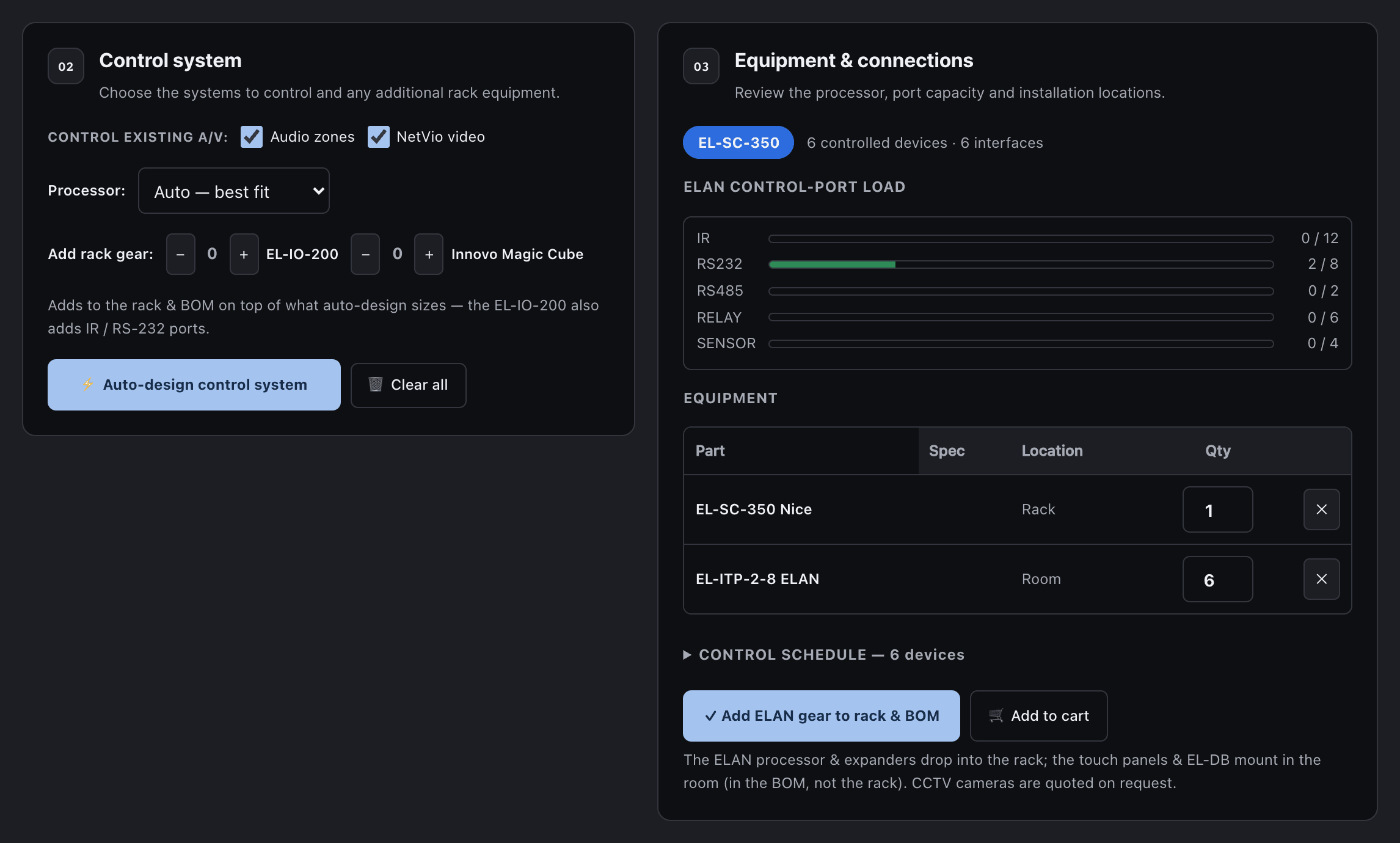
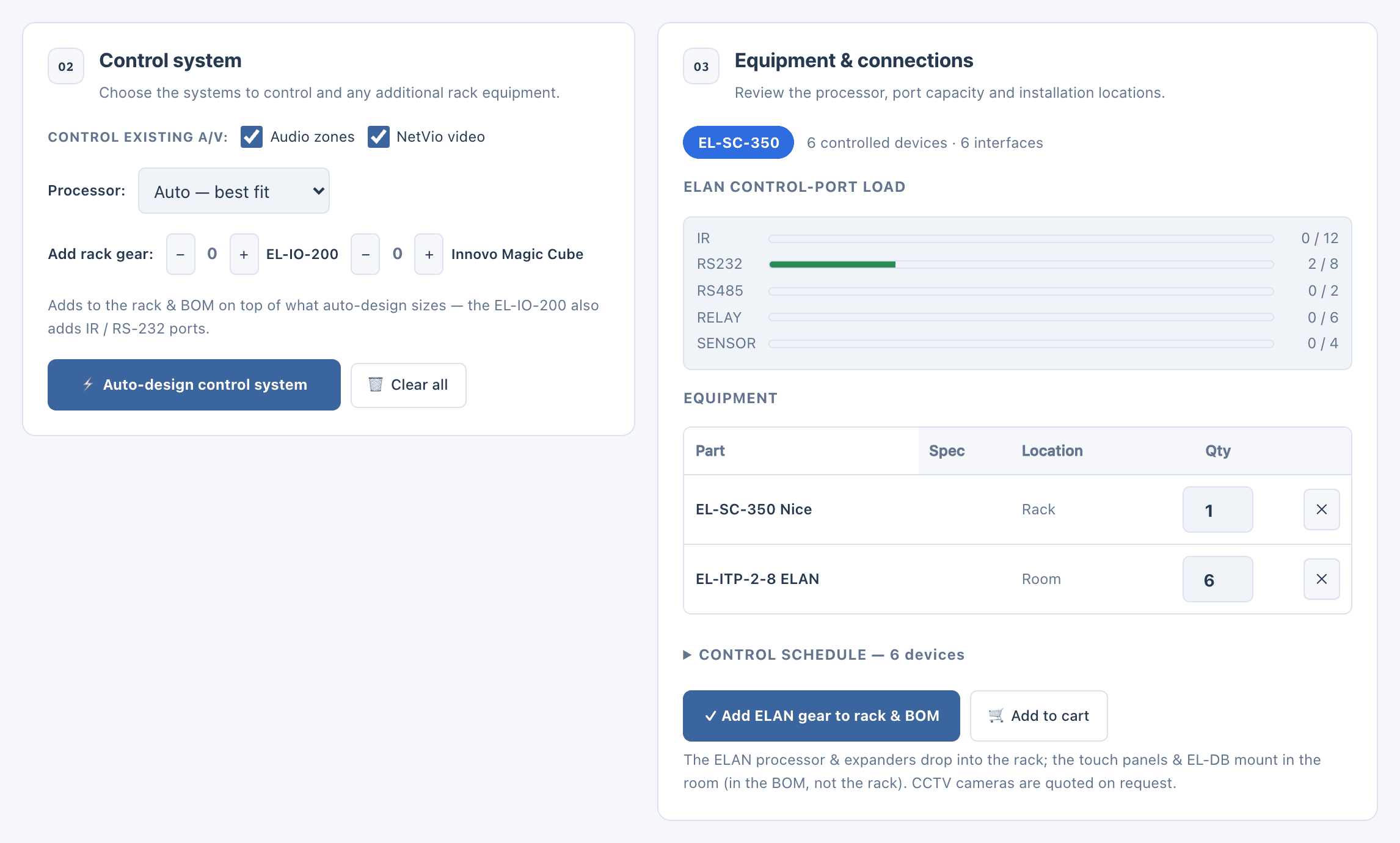
what it answers, 04
The EL-SC-150 for smaller jobs and the EL-SC-350 for larger ones, chosen from what the system has to drive. Expanders are added when the ports overflow.
Auto-design
A port-load bar per type shows the IR, RS-232, RS-485, relay and sensor ports in use against what the processor has, with a warning for anything that will not fit.
Port load
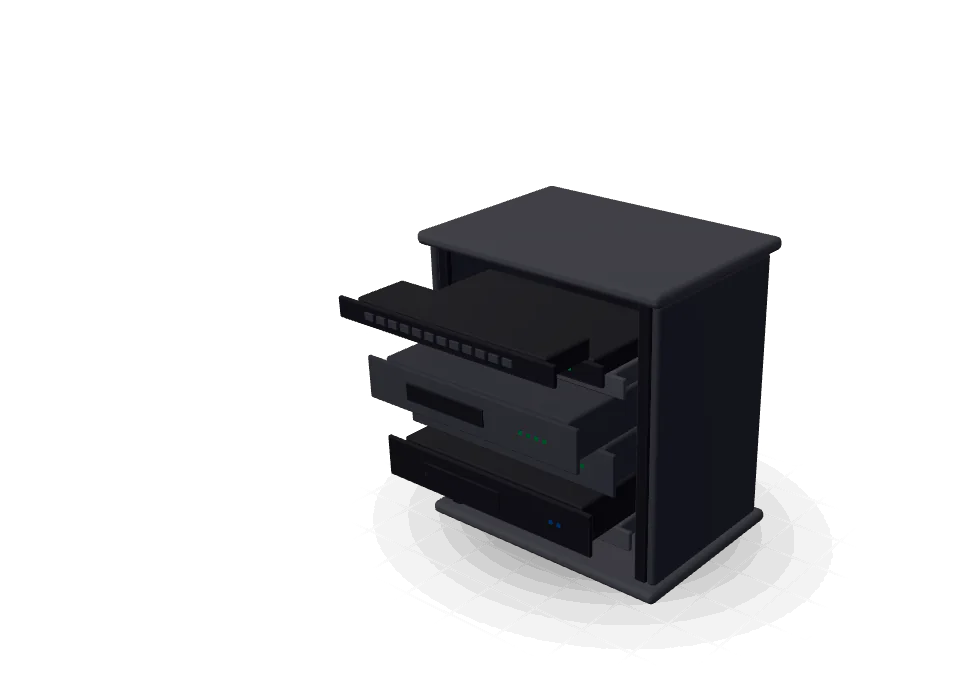
Touch panels and the EL-DB door station mount in the rooms and list in the BOM. The processor and the expanders go into the rack.
Control schedule
The client proposal gains a Control and Automation section with the full schedule, and the automation report prints the processor, the panels and the equipment.
Proposal
how it works, 05
The steps of the tool’s automation guide, and the automation part of lesson 04.
Control is designed in a dialog: Automation, Library, then System design. The rooms come from the plan.
Per area: ELAN touch panels, Innovo touch screens, EL-DB door stations and cameras. Prefill typical puts one touch panel in each area to start.
Tick Control existing A/V to bring the audio zones and the Netvio video into the design.
It picks the processor, counts the ports against the connections and shows the load on each type.
Close the designer: the processor is in the rack and the control links are on the wiring drawing, ready to check.
the hardware
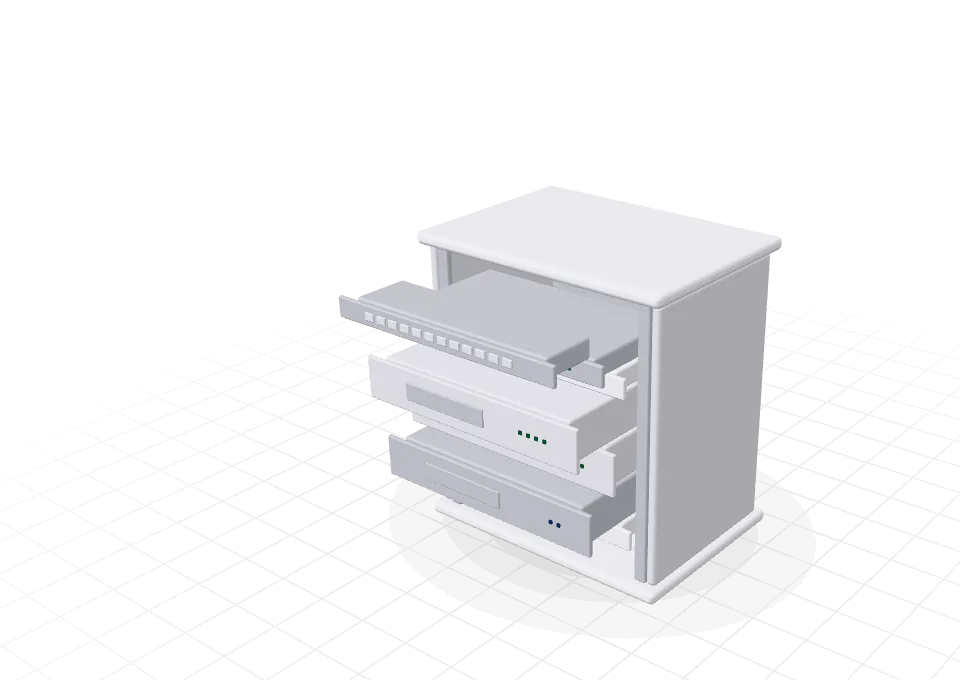
The rear connectors match each model’s datasheet, so the wiring drawing shows real ports.
For smaller jobs.
3 IR, RS-232, USB and audio.
For larger jobs.
12 IR, 8 RS-232, 2 RS-485, sensors and relays.
Expander, added when ports overflow, or by hand.
More IR and RS-232 ports.
the analysis
Control is a count of ports and devices against what the hardware has.
what you hand over, 04
Its own branded PDF: the processor, the panels, the control schedule and the equipment. It joins the combined report too.
For: Client and installer
Every device with its area and how it is wired, with the parts list.
For: Installer
A Control and Automation section in the client proposal, with the full schedule.
For: Client
The installer pack gives every control device a suggested IP address and VLAN.
For: Office
in the catalogue
9
The EL-SC-150 and EL-SC-350 processors, the EL-IO-200 expander, ELAN and Innovo touch panels and screens, the EL-DB video door station and the Innovo Magic Cube.
Counts are the tool’s built-in catalogue in v2.0.0. Brand and product names in the catalogue belong to their owners. A product in the catalogue does not mean a partnership.
honest limits
The design records the intended hardware and connections. Programming and on-site verification remain part of the installation.
The designer sizes ELAN processors. Other controllers can be added to the library as custom devices on accounts with their own products switched on.
Cameras counted in the control designer are quoted on request. Grade and size them in the CCTV discipline.
faq
No. It sizes the hardware and documents the connections. Programming and on-site verification are part of the installation.
When the processor’s control ports overflow. You can also add expanders, and Innovo Magic Cube hubs, by hand; they go into the rack on top of what auto-design sizes.
Yes. Tick Control existing A/V and the audio zones and the Netvio video join the control design.
In the rooms. They ride the network on PoE and list in the bill of materials, not in the rack.
keep going
Room devices, ports and the rack on the same plan as the rest of the system.
15-day trial for approved companies. No card, nothing to cancel.