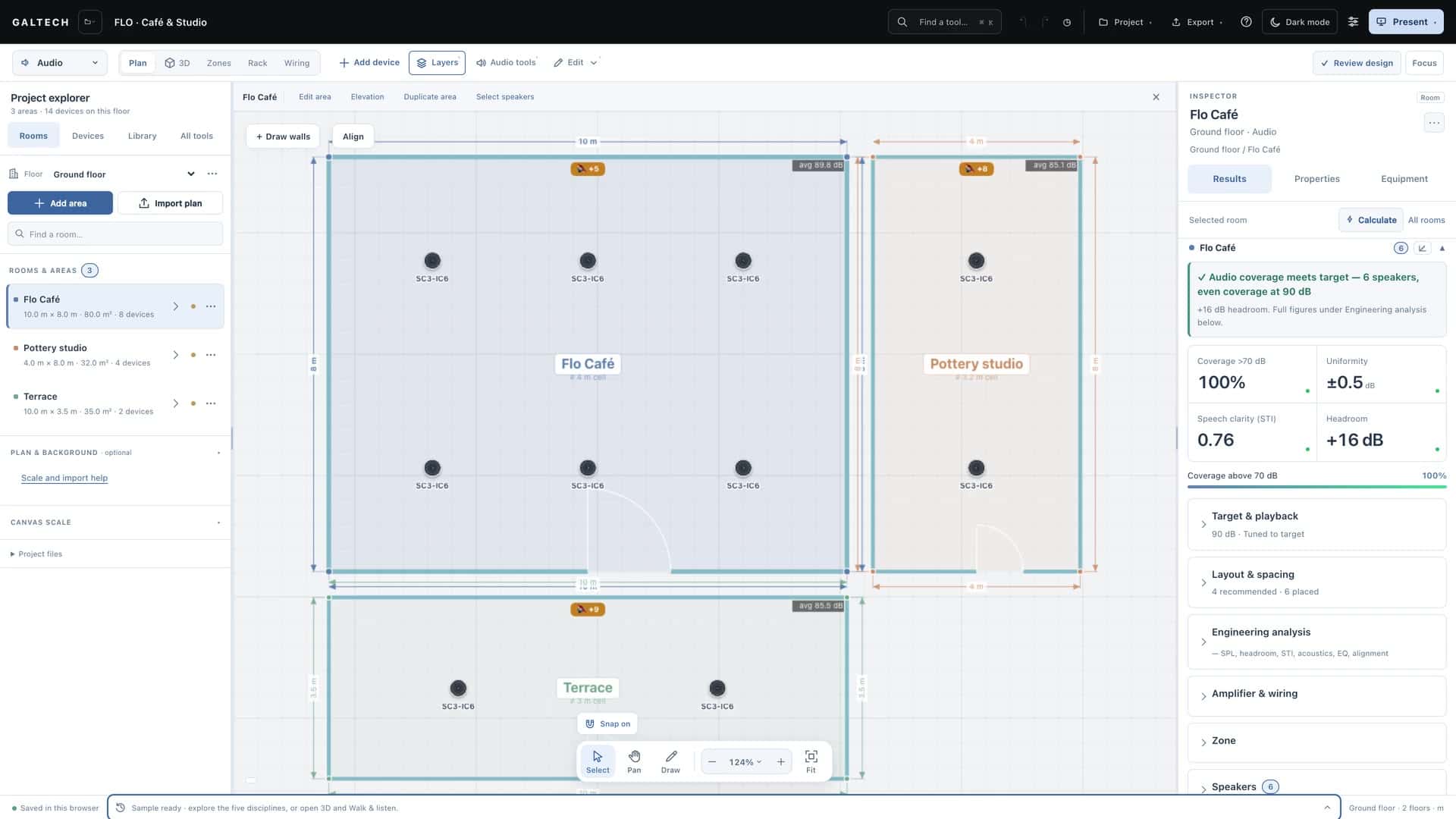
Reference
Use the Learning Centre
The help built into the tool: narrated lessons with key moments and transcripts, searchable task guides and troubleshooting, and a manual for each discipline.
On this page
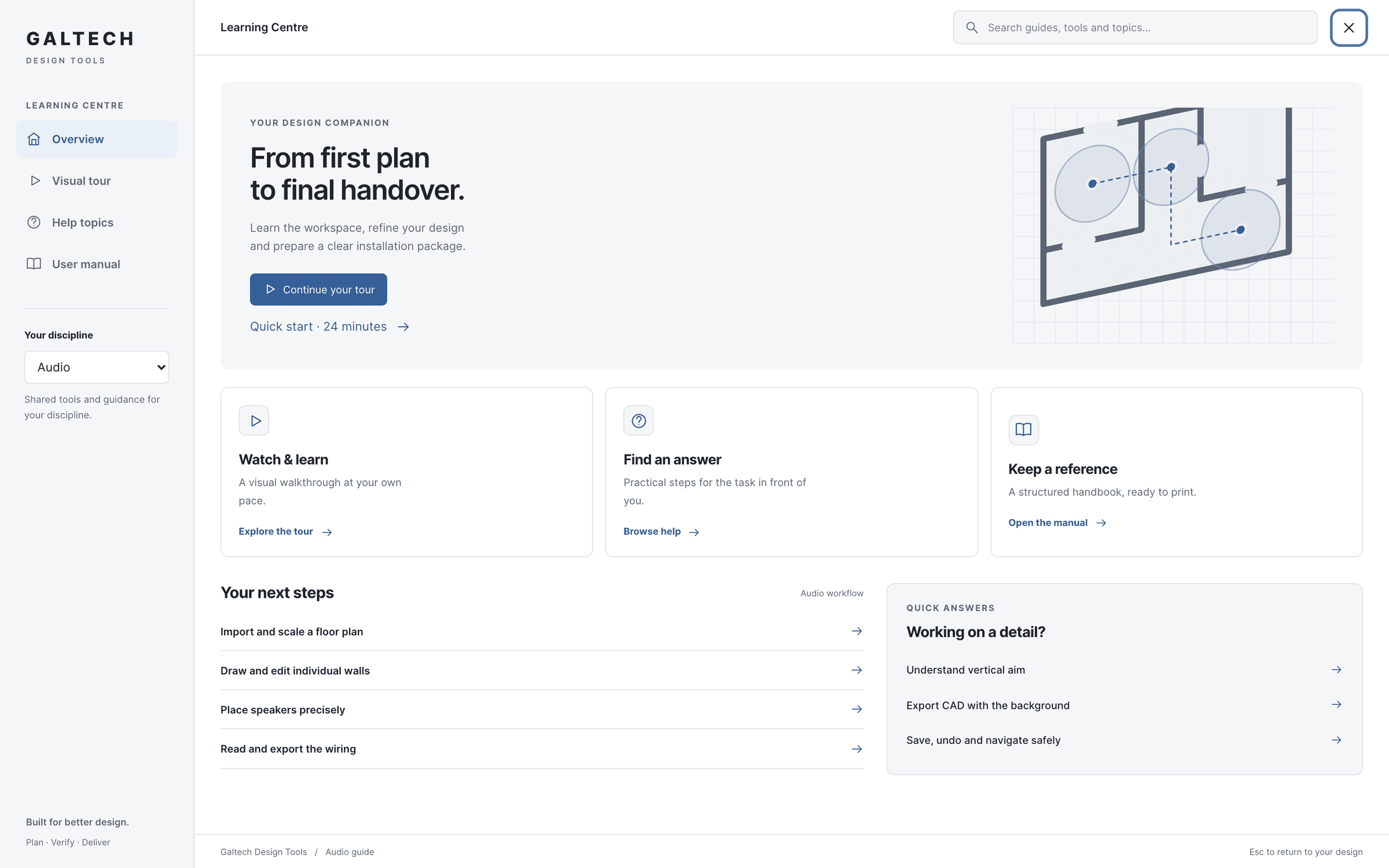
The Help button in the top bar opens the Learning Centre. Nothing in it changes your design: you can watch a lesson or read a guide for another discipline in the middle of a job, then press Esc to return to exactly where you were.
Four ways in
- Overview: where you are in the workflow, with the next steps for your discipline and quick answers.
- Visual tour: the narrated lessons.
- Help topics: the task guides and the troubleshooting articles, with search.
- User manual: a reference for each discipline, to read in place or print to PDF.
The visual tour
The tour is 4 narrated lessons, about 40 minutes in all, recorded from the tool itself:
Lesson 01: The workspace, floors and plans
Find your way around, add floors and areas, import a plan at the right scale, draw walls and keep your work safe.
12:4922 key moments
Lesson 02: Speakers, coverage and the 3D review
Choose and place speakers, set position, mounting and aim, read the heatmap and the results, and listen in 3D.
11:0918 key moments
Lesson 03: Zones, rack, wiring, reports and handover
Turn the design into a system: zones and amplifiers, the rack, the wiring views, the report workspace and site tracking.
9:3817 key moments
Lesson 04: Network, CCTV, video and automation
Wi-Fi coverage, cameras and image detail, video distribution and the ELAN control system on the same plan.
8:3918 key moments
Every lesson has key moments you can jump to, 75 in all, a full transcript, English captions, a choice of playback speeds, a ten-second replay, and it remembers where you stopped. Short on time? The quick start is lessons 01 and 02 for audio, or 01 and 04 for the other disciplines. The same lessons are on this site: see Tutorials.
Help topics
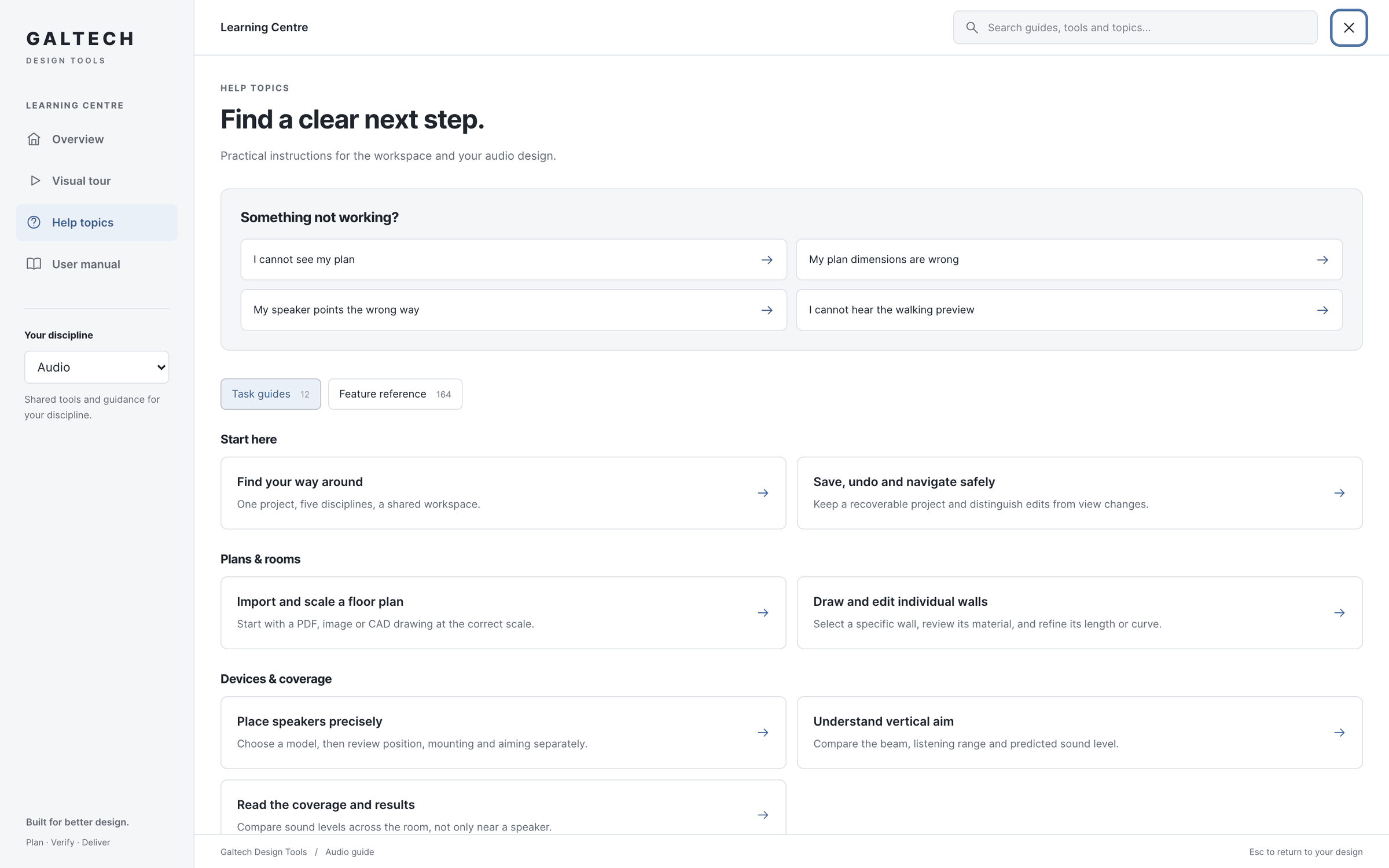
Help topics holds 16 task guides, each a few short steps for one job, from importing a plan to handing over, and 6 troubleshooting articles for the problems people meet most. Search is ranked and tolerates typos: type a task, such as “scale a plan”, and the matching guide comes up. Every card of the feature reference is searchable too.
Every task guide in the tool has a fuller page in these docs:
The troubleshooting articles are here too:
- I cannot see my planRecover a missing drawing without moving any rooms or devices.
- My plan dimensions are wrongCheck calibration before tracing rooms or placing devices.
- My speaker points the wrong wayReview mounting position, pan and tilt as separate settings.
- I cannot hear the walking previewCheck playback and listener controls in Walk & listen.
- My report is missing or has the wrong introductionReview selected sections and the actual PDF before downloading.
- Where is my project saved?Understand browser autosave, project files and portal storage.
Help where you need it
The workspace links to the right guide from the place you need it: Aiming help beside a speaker’s aiming controls, Scale and import help in the plan and background section, and Understand these results in the Inspector’s results, which opens the guide for the discipline you are in.