Review and delivery
Prepare reports and the handover package
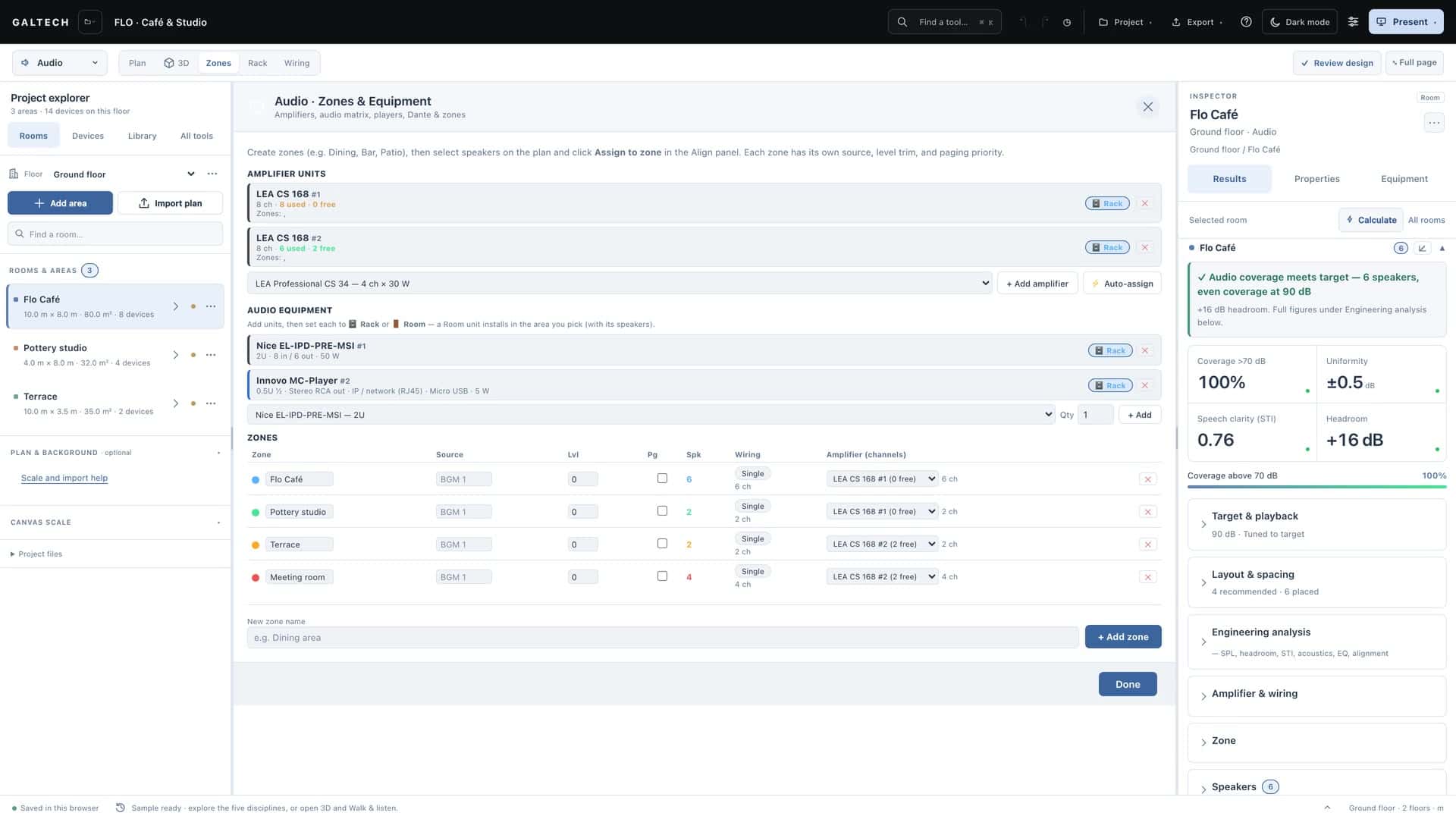
Fill in the project details, review the design, then build the client, installer or full report package with a live PDF preview and put the handover together.
On this page
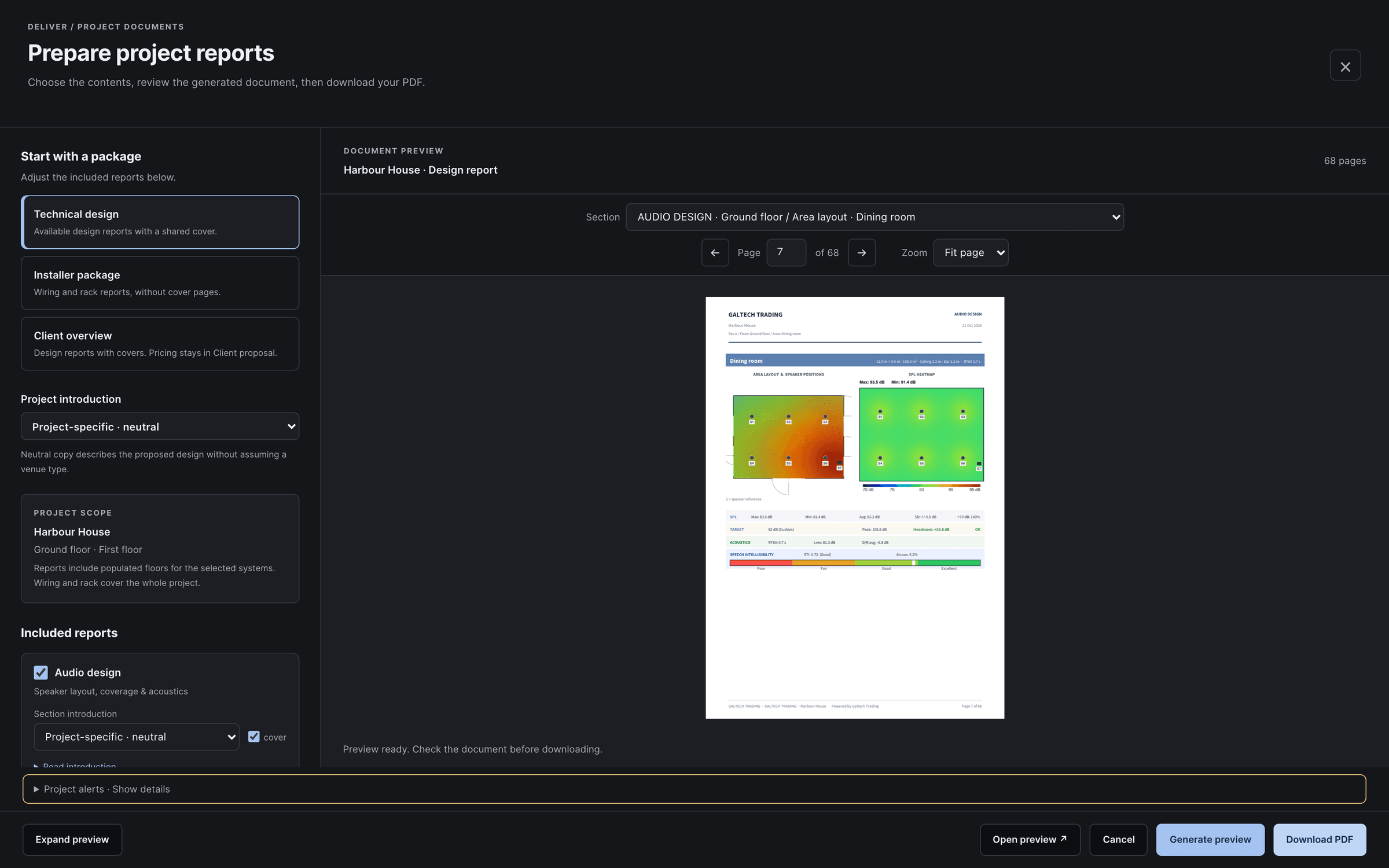
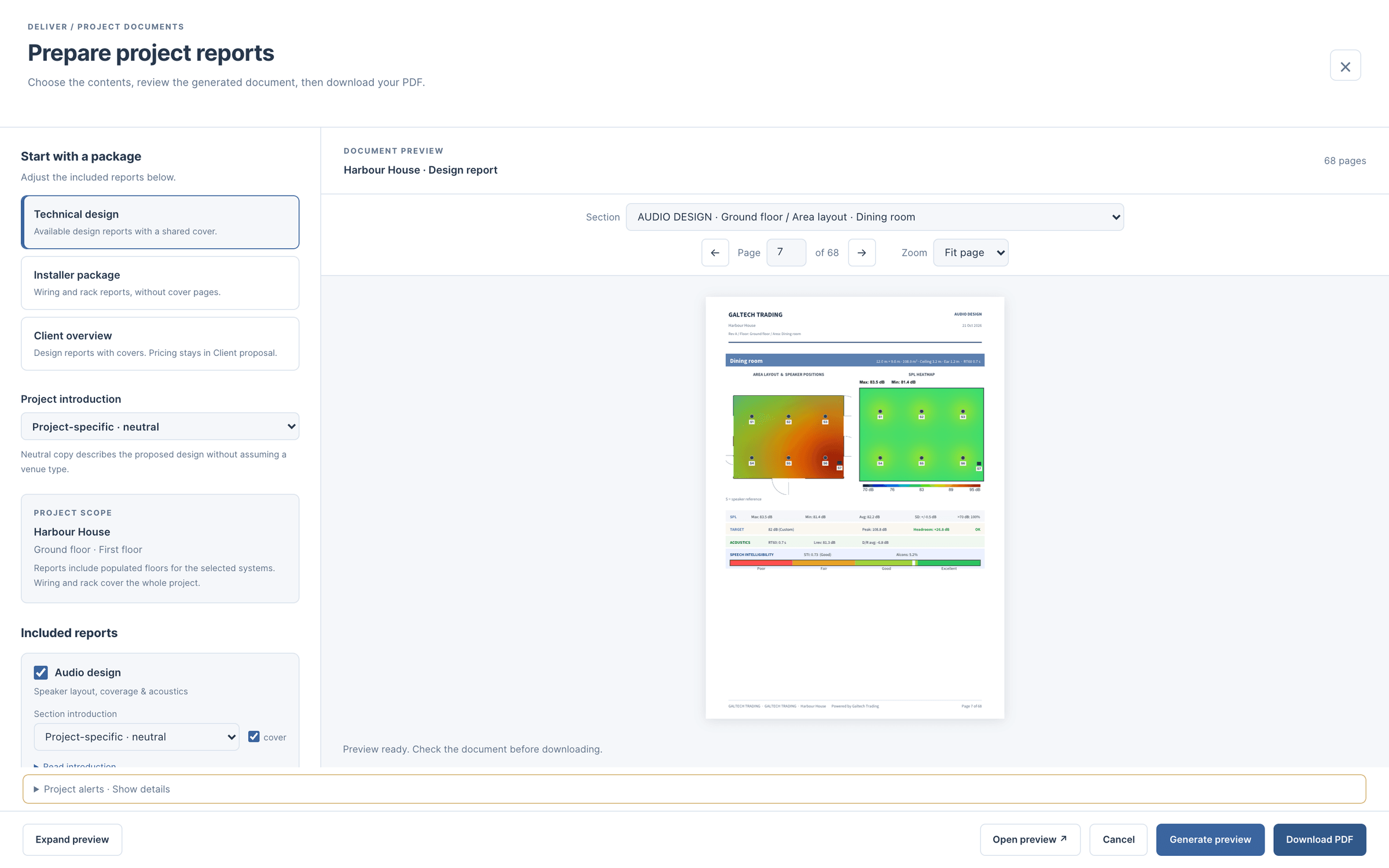
Prepare reports is a full-page workspace for every document the design produces. You choose a package and the introductions, read the actual pages in a live preview, and download only when you are happy. Nothing is saved until you press Download.
Before you export
- Project details. In the Project menu, set the project name, the client, the date and the revision. They print on every cover, and a report with a client’s name and revision A reads very differently from one that says “New project”.
- Review design. Run the checklist at the top right of the workspace and resolve what needs attention. Check the plan, the device models, the schedules, the rack and the wiring against one another.
Build the package
- Open Export → Prepare reports.
- Choose a package: for the client, for the installer, or the full handover.
- Tick the systems to include, and choose an introduction for each: a neutral one, or one written for the venue type.
- Choose Generate preview.
- Use Contents or the Section menu to find a drawing or a schedule. Expand preview gives the document more room; Fit page shows the whole sheet and Fit width enlarges the detail.
- Read the actual pages, then choose Download.
Each system can be its own branded PDF, or all of them can go in one combined document with a contents page and bookmarks. For separate files, use the document tabs and download each PDF.
The systems in a report
| Report | What it holds |
|---|---|
| Audio | Per-area plans and SPL heatmaps, the engineering figures, a 3D view of each area with a QR code to its tour, the speaker specifications and an acoustics appendix |
| Wi-Fi coverage | The coverage map, the access point schedule and the switch summary |
| CCTV | The pixel-density map, the camera schedule, and the recorder and storage sizing |
| Video | The architecture, the device schedule and the connections |
| Automation | The processor, the panels, the control schedule and the equipment |
| Wiring diagram | The single-line diagram and its connection schedule |
| Rack | The rack elevation, with its cable and power schedule |
Reports carry technical schedules and drawings, not prices: the prices belong to the client proposal.
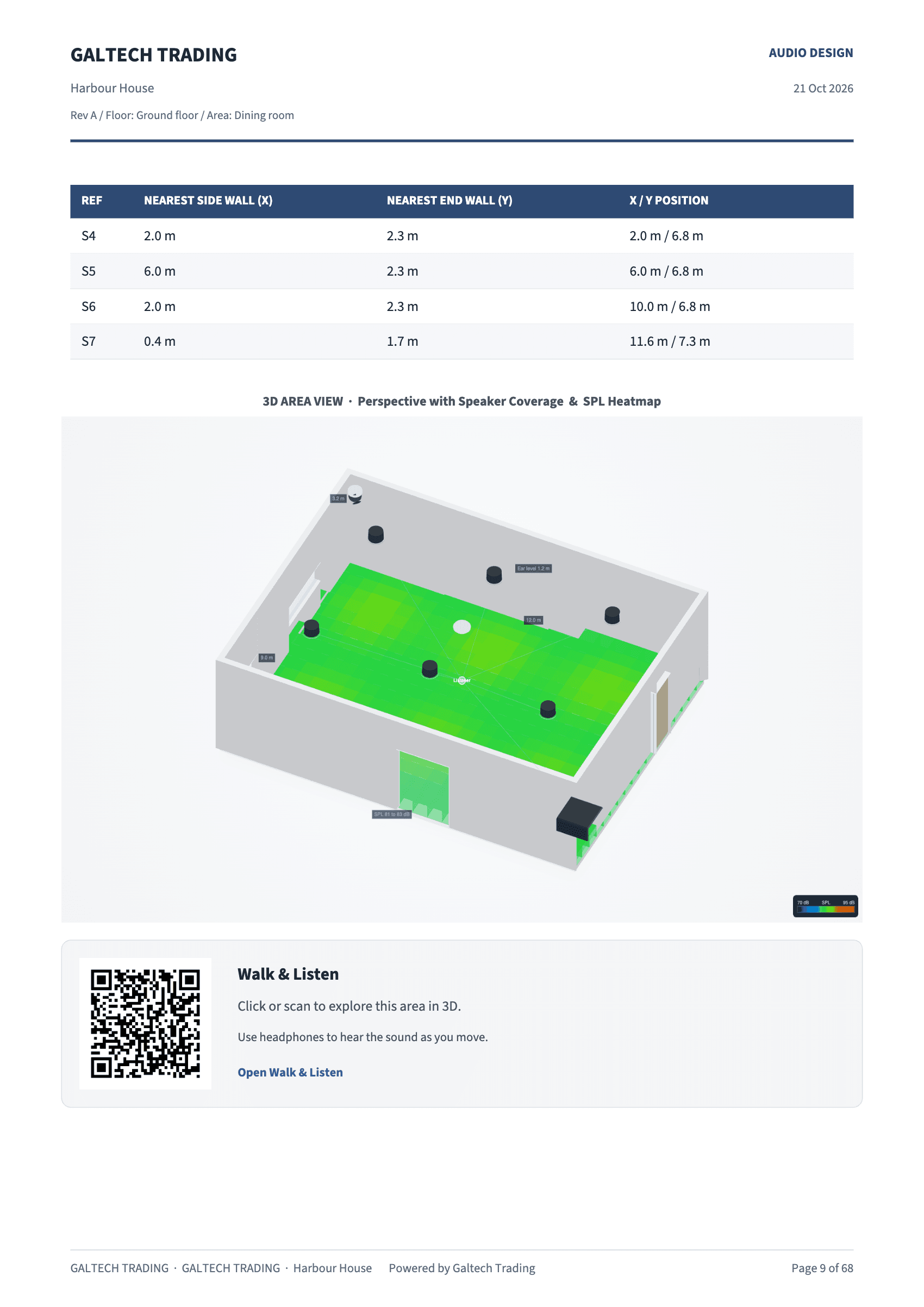
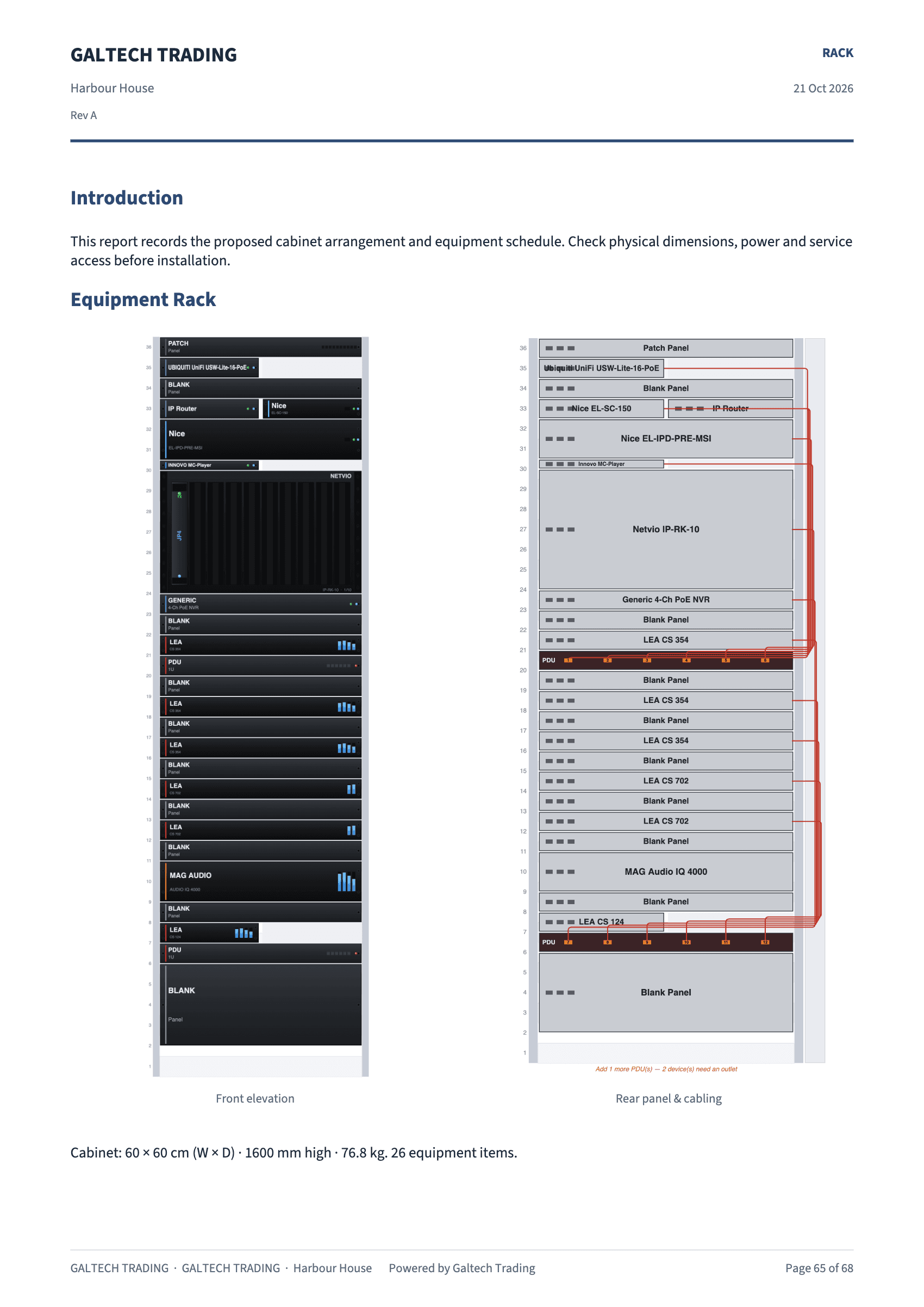
What is in the PDF
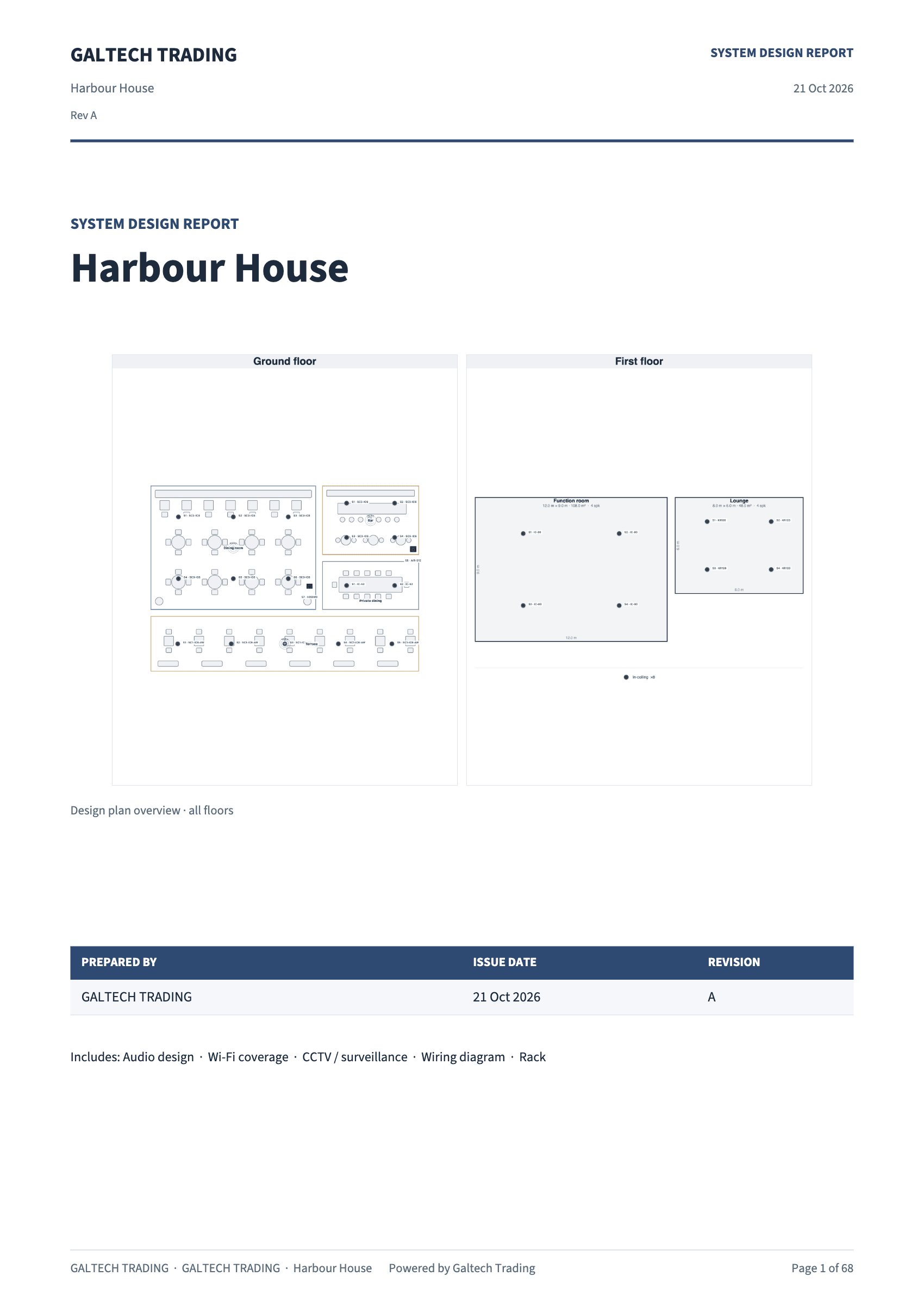
- A cover, with your logo, the project, a plan overview of every area, who it was prepared for and by, the date and the revision.
- Sharp figures, printed at three times the screen resolution.
- References that match. Speakers, access points, cameras and listening positions carry S1, AP1, C1 and P1 labels that match the location schedules.
- Legends on the elevation and 3D views, with the SPL range used, and a labelled decibel scale on the frequency chart.
- No empty pages. An area with no speakers, access points or cameras gets no page in the audio, network or CCTV reports, so a traced corridor never pads the document.
The acoustics appendix
The audio report closes with Appendix A · Acoustics: each area’s RT60 and where it came from, the RT60 per octave band, the surface materials, the walls and openings, the Ray-Traced Check results at each listening position if you ran it, and the treatment advisor’s prescription for rooms that are too live. Areas you calibrated on site print as a Site Validation table, predicted against measured.
The handover documents
The Handover group of the Export menu holds the documents for the people who install and maintain the system.
- Client handover records who the package is for, the revision, who prepared it, an overview for the cover and installation notes. Tick what goes in: the floor plans with device locations, the room wiring sheets, and the equipment and cable schedules as CSV. Save, and the details flow onto the documents.
- Installation & commissioning holds the site tracking record. See Commissioning and tuning tools.
Include the CAD files, the cable schedules and the commissioning information in the handover, and keep the project file as well as the deliverables, so the design can still be edited later.
If a report is missing a section or carries the wrong introduction, see My report is missing or has the wrong introduction.