On this page
“The camera covers the door” can mean two very different things: that someone walking through it will show up, or that you will be able to say who they are. DORI puts numbers on that difference, so a camera schedule can say what each camera is for.
Four grades, four pixel densities
DORI stands for detect, observe, recognise and identify. EN 62676-4, the application guidelines for video surveillance systems, ties each grade to a pixel density on the target: how many pixels of the image span one metre of the scene at that distance.
| Grade | Pixel density | What it allows |
|---|---|---|
| Detect | 25 px/m | Tell whether a person is there at all |
| Observe | 62.5 px/m | See what they are doing, with some detail of their clothing |
| Recognise | 125 px/m | Tell whether this is someone seen before |
| Identify | 250 px/m | See enough detail to establish who the person is |
The standard also describes a coarser monitoring level and a much finer inspection level; most specifications use the four in between.
A grade belongs to a point in the scene, not to a camera. The same camera can identify at the door and only detect at the far end of the car park.
The arithmetic
Pixel density is the camera’s horizontal resolution divided by the width of the scene at the target’s distance:
Turn it round and each grade has a maximum distance. For three common set-ups, by horizontal resolution and horizontal field of view:
| Camera and view | Identify | Recognise | Observe | Detect |
|---|---|---|---|---|
| 1920 px, 90° | 3.8 m | 7.7 m | 15.4 m | 38.4 m |
| 1920 px, 30° | 14.3 m | 28.7 m | 57.3 m | 143 m |
| 3840 px, 90° | 7.7 m | 15.4 m | 30.7 m | 76.8 m |
Two rules fall out of the table. Doubling the horizontal resolution doubles every distance. Narrowing the field of view extends the distances too, but the camera then sees a smaller slice of the scene, so something else has to watch the rest.
Lenses and fields of view
For a given sensor, the focal length sets the field of view: a longer lens gives a narrower view. A short lens gives the wide overview of a room; a longer lens on the same sensor reaches a gate across a car park. Varifocal lenses let you settle the choice on site.
A common pattern is to pair the grades: a wide camera to observe a whole space, and a narrow one at the choke point, such as the door, the till or the gate, to identify. The tool’s lens calculator converts between focal length, field of view and pixel density at a distance for any sensor, which is the quick answer to whether a 4 mm lens will identify a face at the gate.
Mounting height and angle
The distance that matters is the straight line from the camera to the target, not the distance across the floor. A camera mounted at 3.5 m, looking at a face 1.6 m above the floor and 3 m away across it, is about 3.6 m from that face and looks down at it at about 32°.
Steep angles cost twice. The distance grows, and the camera sees more of the top of a head and less of the face. For identification, mount the camera lower, or further back with a longer lens, so its view of a face is close to level. Every camera also has a blind spot directly below it, where someone can stand unseen.
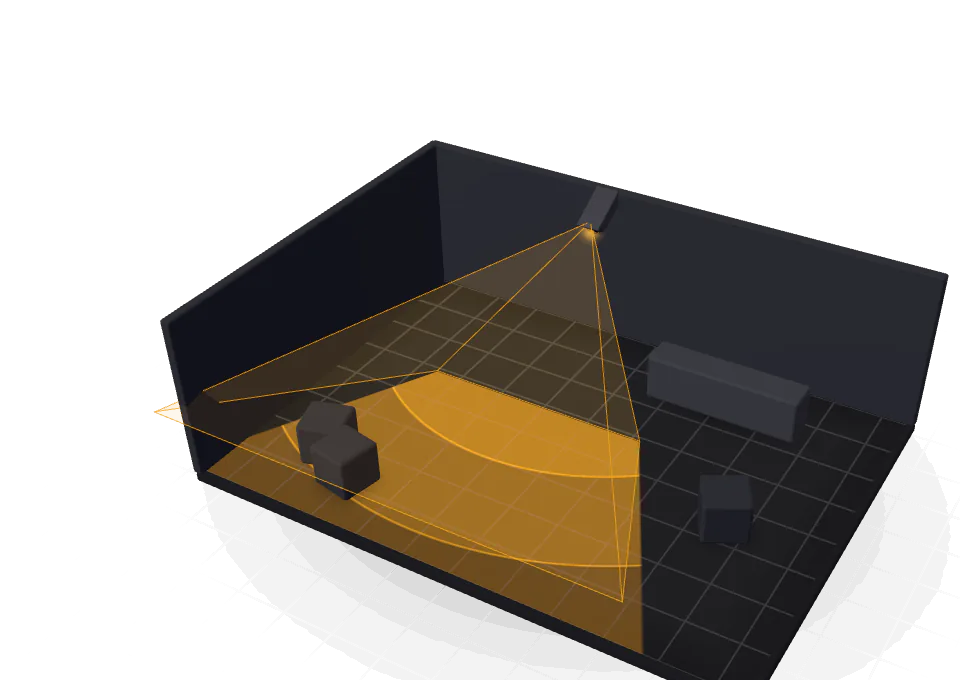
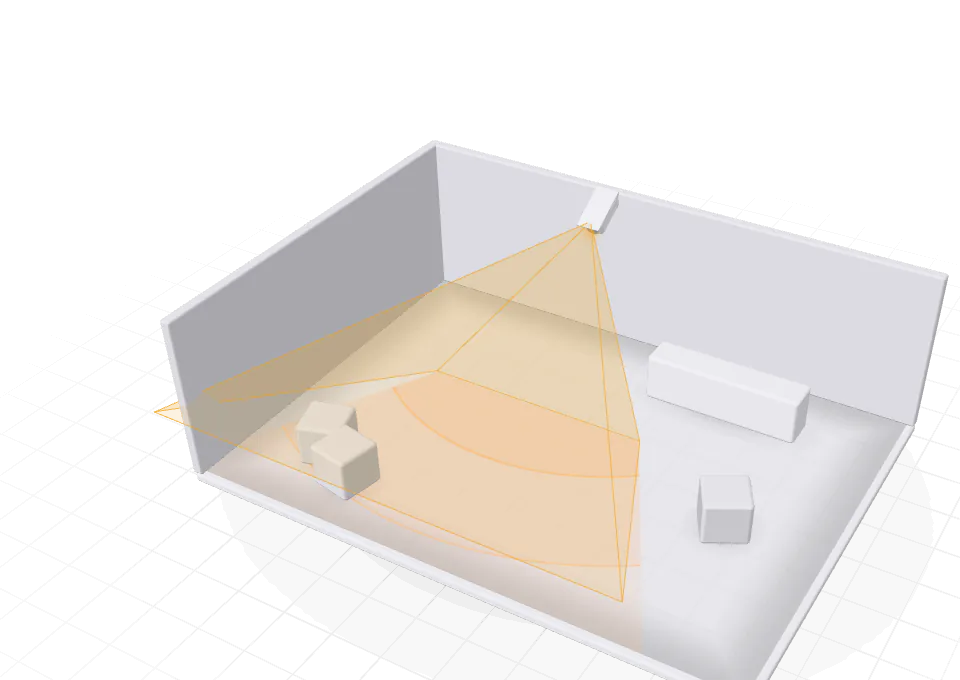
The tool draws its DORI bands as distances across the floor, the same figures its pixel-density map uses. Its 3D view shows each camera’s footprint standing in the room, which is the quickest way to check mounting heights and the blind spot under each camera.
Pixels are necessary, not sufficient
Pixel density says what the sensor could resolve. Whether the picture delivers it depends on light (the infrared range at night, the backlight at a glazed entrance), on shutter speed and the motion blur of people walking, and on focus, compression and weather. Plan the pixels first, then check the conditions they have to work in.
Recording for the retention you need
Storage is bitrate multiplied by time. One megabit per second, recorded for a day, comes to about 10.8 GB. In the Harbour House demo, three cameras recording continuously in H.265 at 15 fps total 6.6 Mbps: about 71 GB a day, or about 1 TB for 14 days, and the tool recommends a 2 TB disk to hold it. Motion-triggered recording, a lower frame rate and H.265 rather than H.264 all bring the figure down; a longer retention raises it in proportion.
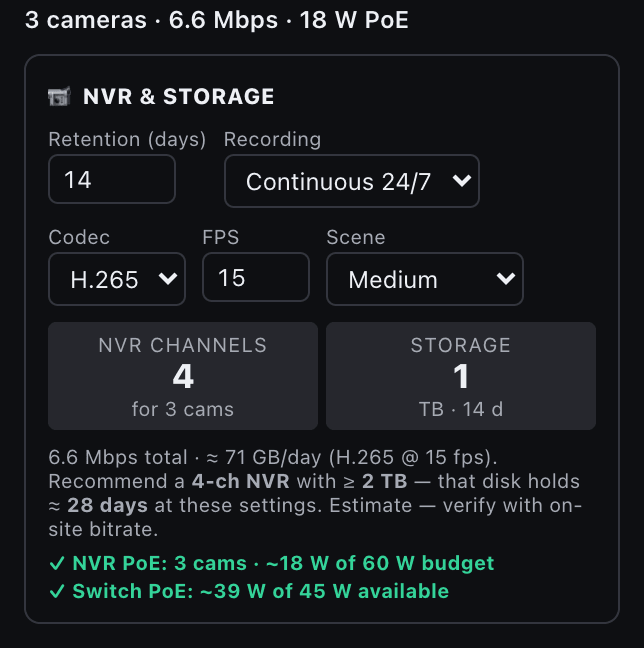
Each camera also draws power over Ethernet. Check the PoE budget of the recorder or the switch that feeds it, not only its count of ports.
In the tool
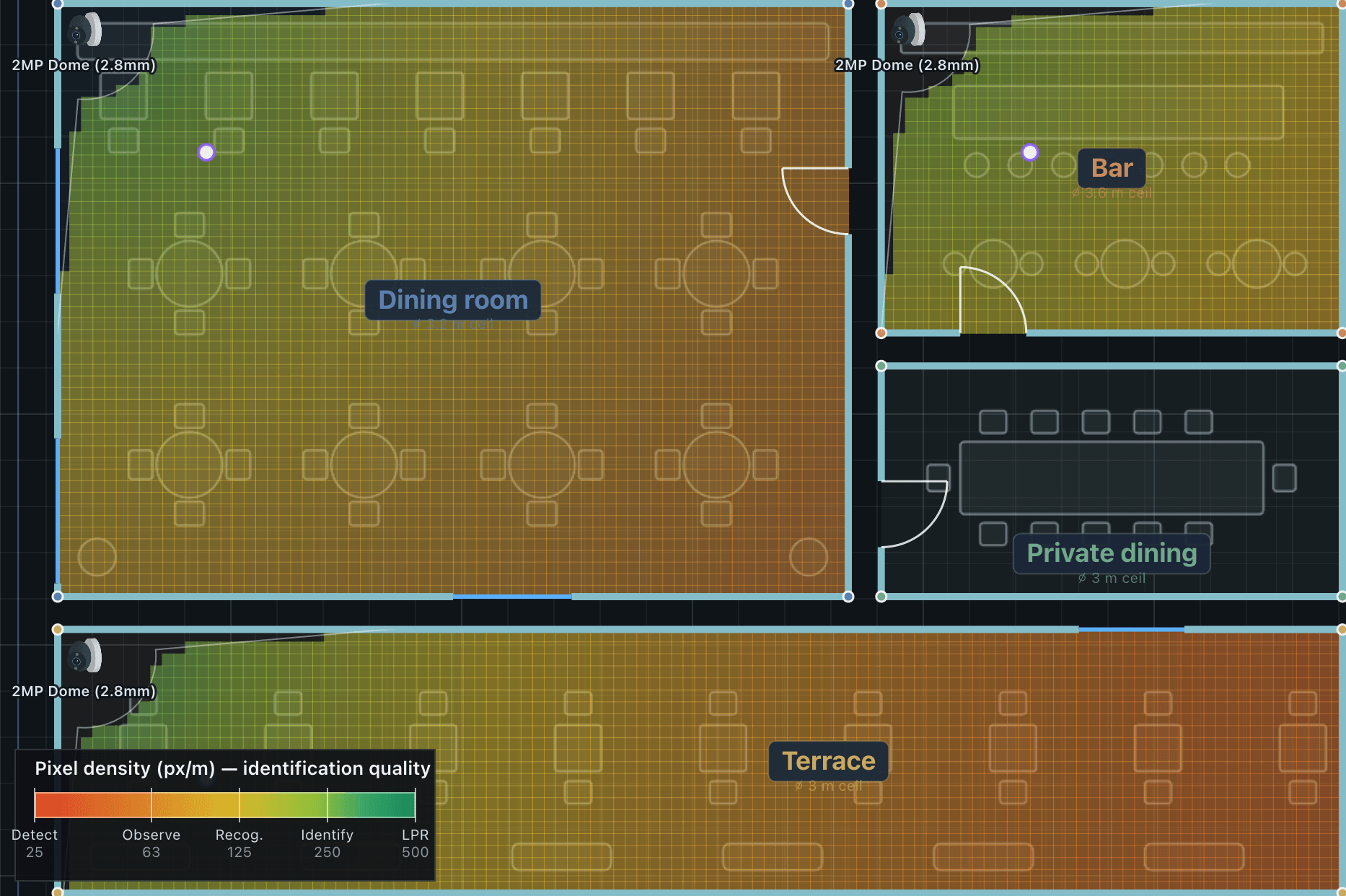
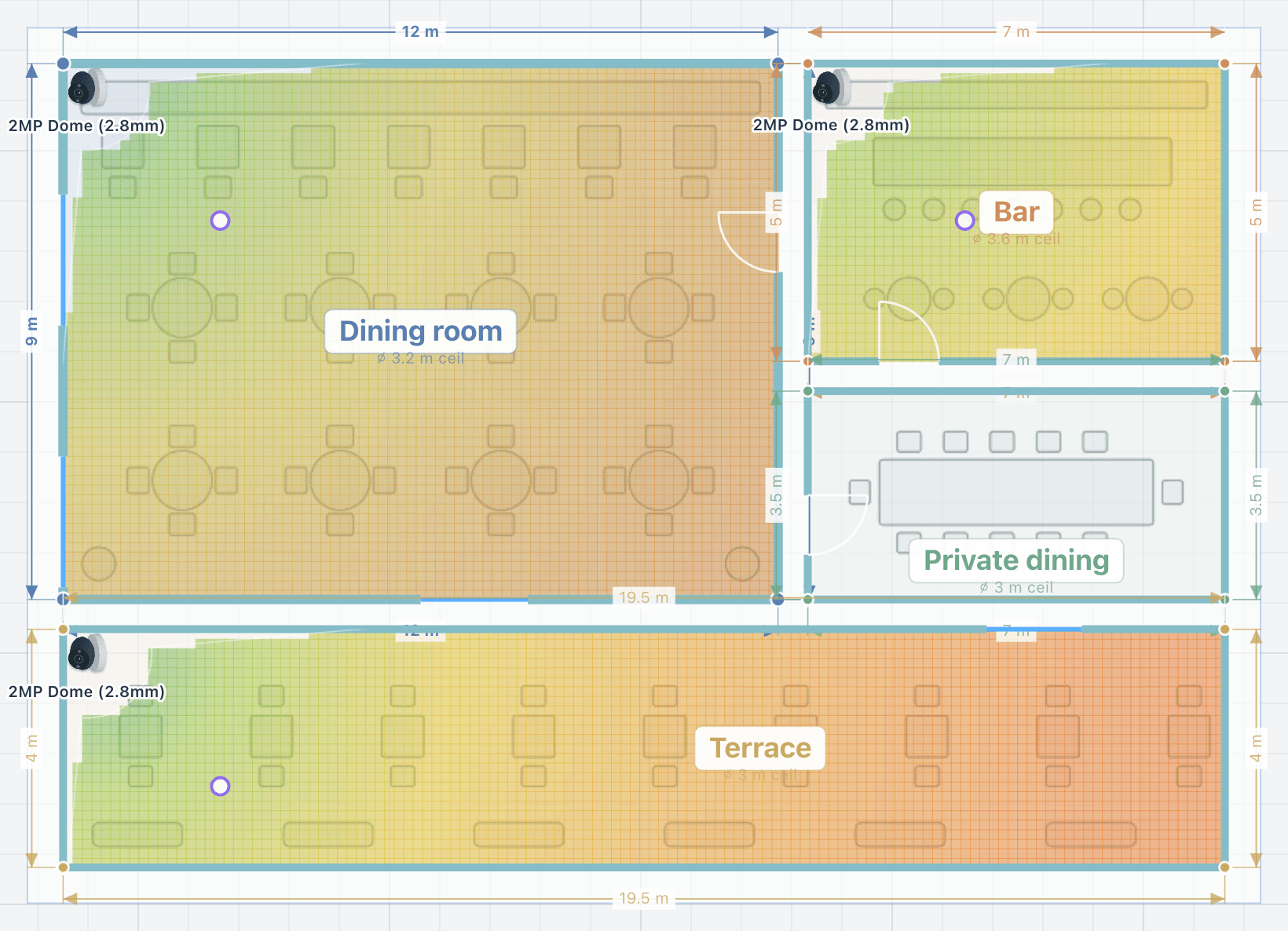
Place a camera from the library and its view is clipped by the walls on the plan and shaded by DORI grade. Switch on the pixel-density map to see the grade everywhere: green where a face can be identified, through yellow and orange to red where a person can only be detected. Draw a zone over a door, a till or a gate, set the grade it must meet, and any shortfall shows in red. Auto-place covers each area to the grade you choose with as few cameras as it can.
The recorder card sizes the NVR and the storage for the retention, codec and frame rate you set, and the CCTV report prints the coverage plan, the camera schedule (model, mount, height, lens and the reach of each grade) and the recorder sizing.