On this page
On 19 October 2026 the visual tour in the Learning Centre became four narrated lessons, recorded from the tool that same day. Together they run for 42 minutes, about forty, and walk through a sample project from the first floor plan to the handover pack, then through the other four disciplines.
The tool still reports version 2.0.0: the lessons arrived as an update to it, without a new version number.
The four lessons
Each lesson is one chapter of the course, recorded from the v2.0.0 workspace.
- Lesson 01: The workspace, floors and plansFind your way around, add floors and areas, import a plan at the right scale, draw walls and keep your work safe.22 key moments
- Lesson 02: Speakers, coverage and the 3D reviewChoose and place speakers, set position, mounting and aim, read the heatmap and the results, and listen in 3D.18 key moments
- Lesson 03: Zones, rack, wiring, reports and handoverTurn the design into a system: zones and amplifiers, the rack, the wiring views, the report workspace and site tracking.17 key moments
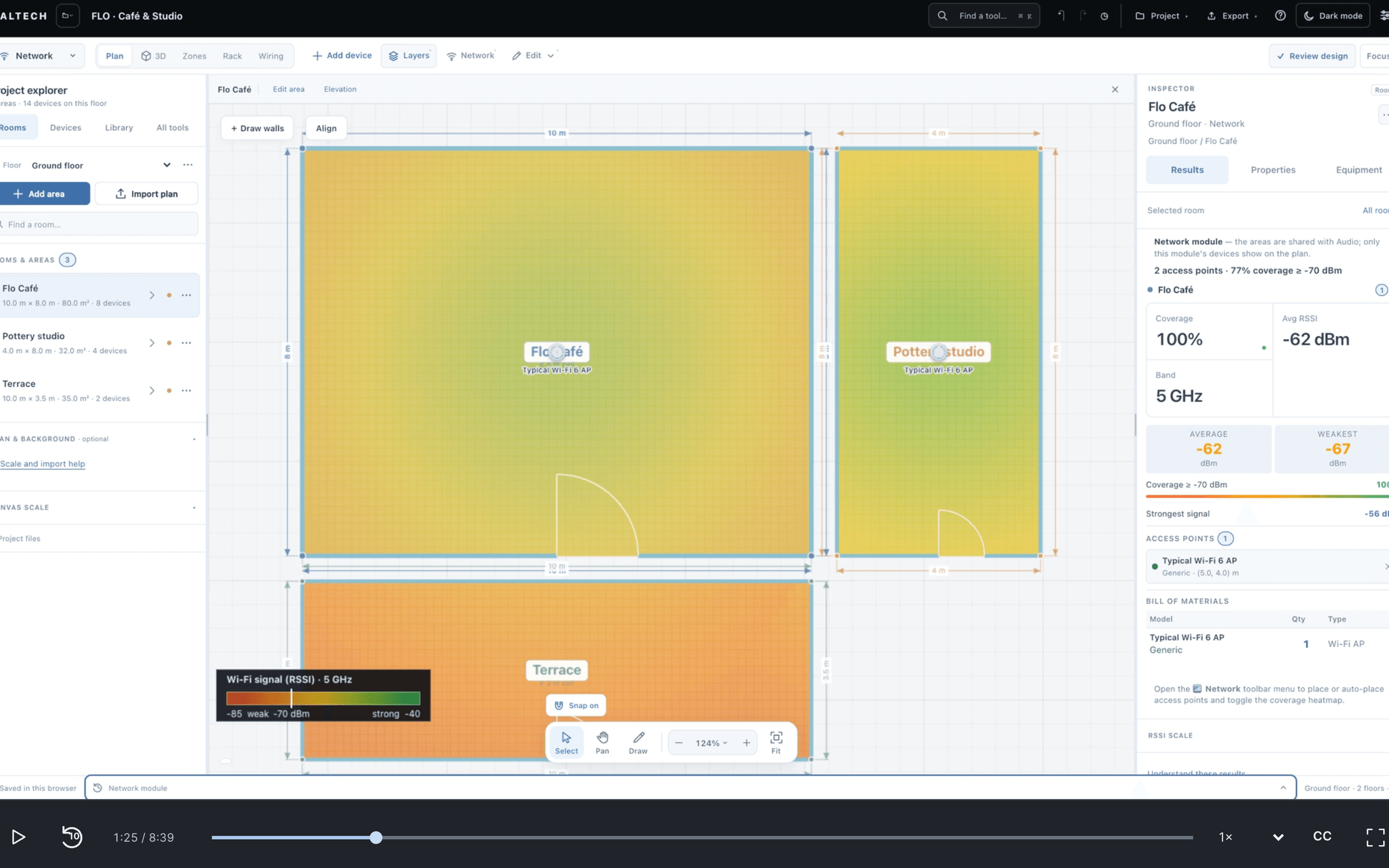
- Lesson 04: Network, CCTV, video and automationWi-Fi coverage, cameras and image detail, video distribution and the ELAN control system on the same plan.18 key moments
If you only design audio, the quick start is the first two lessons: 24 minutes. For Wi-Fi, CCTV, video or control, it is the first lesson and the fourth: 22 minutes.
How a lesson plays
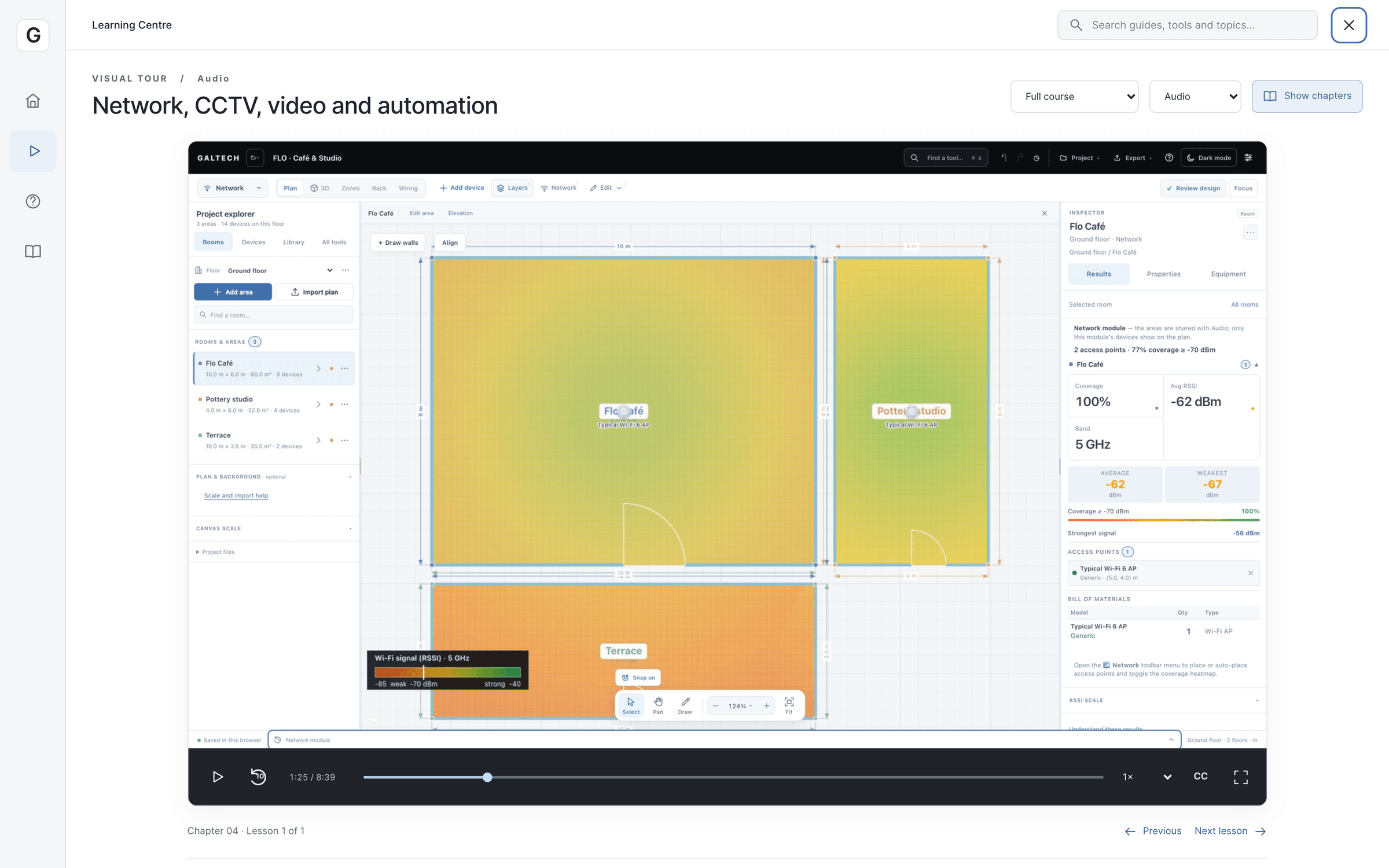
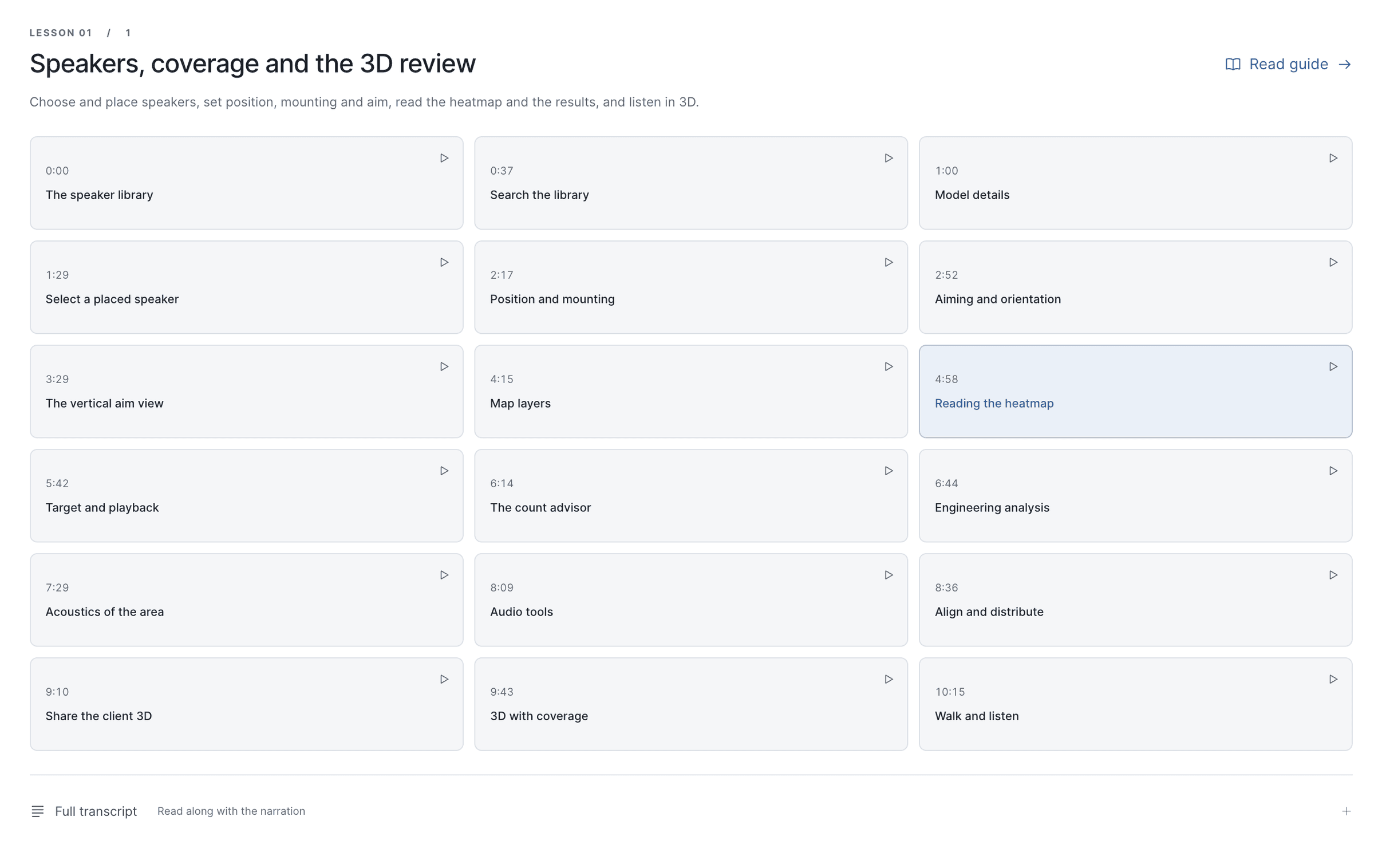
Every lesson is a single narrated video at 1920 by 1080 pixels, with English captions and a poster frame taken from the recording. Beside it sit its key moments, 75 across the course, each one a point you can jump to with its share of the narration written out underneath. You can read the transcript instead of listening, or skim it to find the minute you need.
The player offers four speeds, from 0.65 to 1.25 times, a 10 s replay and full screen, and it remembers where you stopped. On the web the lessons stream; the Windows app plays them from its own copy.
Guides and troubleshooting stay
The written help is still there, beside the lessons. There are 16 task guides in five groups, from Start here to Review and delivery, each with numbered steps and a note on what to keep in mind. Every guide links to the lesson that covers it, and every lesson lists its guides, so you can move between watching and doing.
Six troubleshooting articles cover the usual snags: a plan that has disappeared, dimensions that come out wrong, a speaker pointing the wrong way, a walk preview with no sound, a report that is missing or has the wrong introduction, and where a project is saved.
Also on 19 October
The Learning Centre now stays inside the window at a larger text size. At 115% to 150% it used to grow past the right edge, which cut off the search box and pushed the close button off screen. It sizes itself for the zoom you chose.
Watch them here too
The same four lessons are on this site, each with its chapters and the full transcript, in Tutorials. Start with the workspace, floors and plans, then follow the discipline you design most.