On this page
Two releases on 20 September 2026 changed how the tool treats subwoofers. Version 1.10.22 corrects the figures, and version 1.10.21 numbers subs on their own. If you designed an area with a subwoofer before then, open it again: its level will read a few dB lower than it did. That is the correction, not a fault.
What was wrong
A subwoofer plays below about 150 Hz. The broadband heatmap summed it as if it were a full-range speaker, so adding one to an area lifted the SPL average, the headroom and the verdict by several dB that the mains never produced. Its even, all-round field also flattened the uniformity figure, which made coverage look smoother than the mains alone delivered.
The octave model had a quieter version of the same mistake. A sub counted among the speakers in every band, so adding one pulled the 1 kHz level down, and the speech intelligibility figure with it.
What the figures mean now
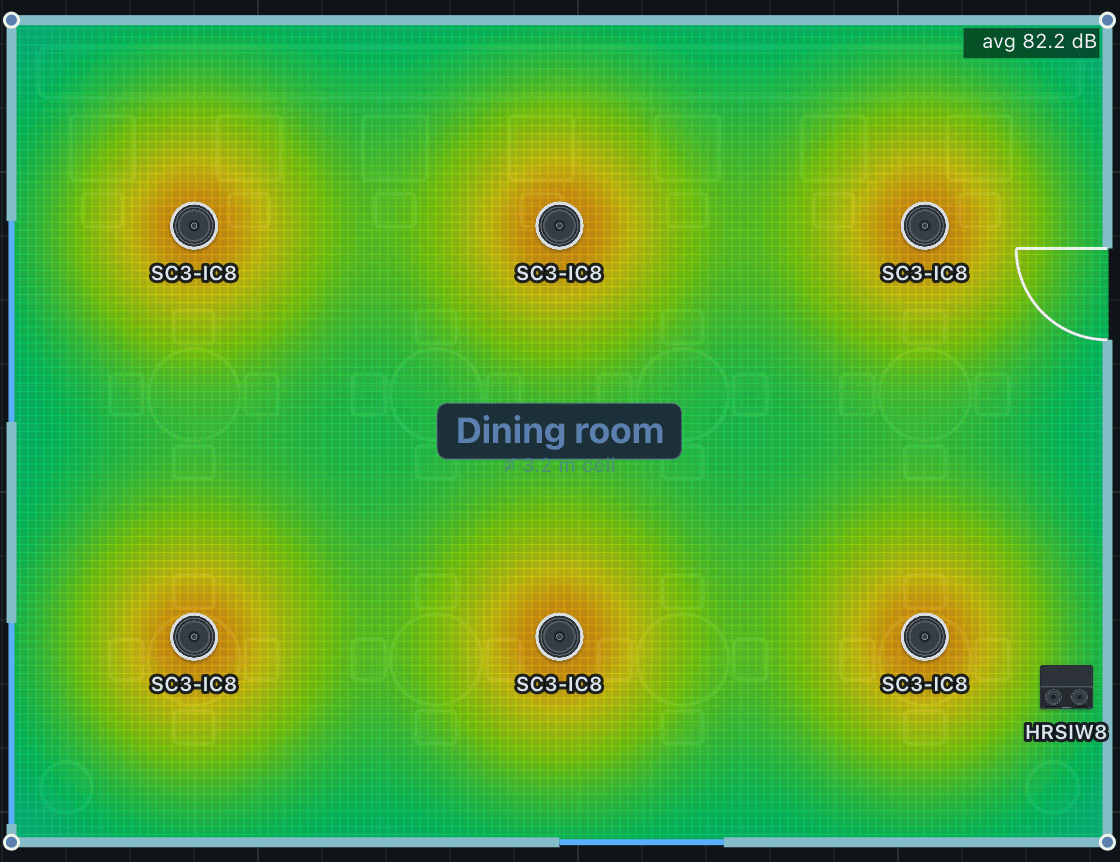
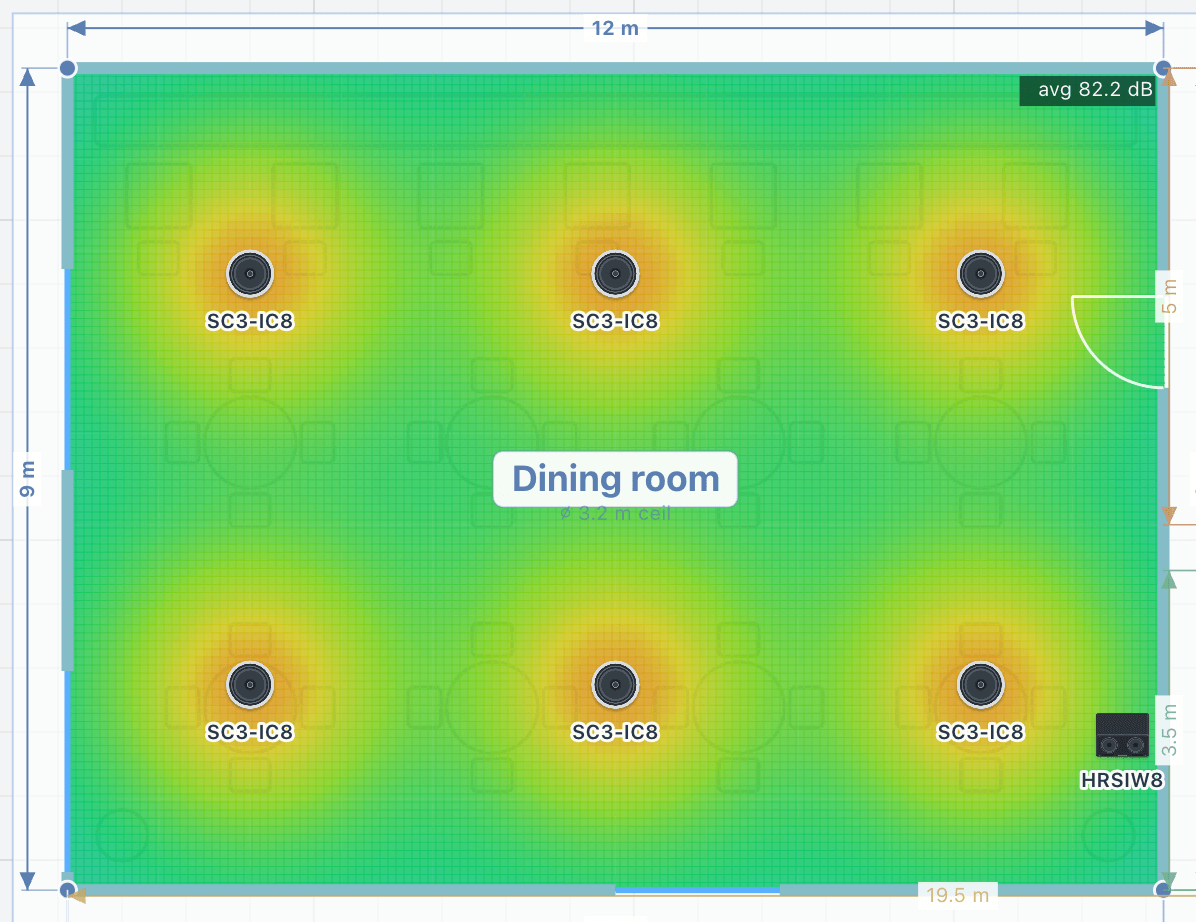
The broadband figures, which are the heatmap, the average, the headroom, the coverage and the uniformity, now come from the mains alone. An area with only subwoofers in it still uses them for these figures. The power the amplifiers deliver is still worked out for every speaker, sub included.
Each octave band now averages only the speakers that play in it, and the typical listening distance follows the mains. Adding a sub no longer nudges the middle of the spectrum.
Subwoofers judged in their own range
A sub now has its own checks. It shows in the 63 Hz and 125 Hz bands, in the low-frequency extension row, which states what it adds below 150 Hz, and in a new check of subwoofer level against the mains. For background music the sub should sit level with the mains; for a target of 100 dB or more, at least 6 dB above them.
Numbered on their own
In an area with speakers and subwoofers, the subs now have their own sequence: two speakers and a sub read 1, 2 and 1, not 1, 2 and 3. The numbers agree on the plan, in 3D and the walk-in, in the report, in the installation schedule and in the wiring diagram, so the installer's label matches the drawing.
What to do with an existing design
Reopen any project with subwoofers and read each area's average and headroom again before you quote it. If an area now falls short of its target, it was short before: the sub was hiding it. Add level or speakers to the mains rather than leaning on the sub, then use the new level check to set the sub against them.
Predictions are a planning baseline, not a guarantee. Commission with an SPL meter on site.
Release notes
v1.10.22 Subwoofers count where they play
- 1 new item
- 1 fix
- Fixed
A subwoofer used to lift an area’s SPL average, headroom and verdict by several dB, because the heatmap summed it as a full-range speaker. Broadband figures now come from the mains alone, so an area with a sub reads a few dB lower. That is the correction.
- New
Subwoofers are judged in their own range: the 63 and 125 Hz bands, a low-frequency extension row, and a new check of subwoofer level against the mains.
Release notes
v1.10.21 Subwoofers are numbered on their own
- 1 new item
- New
In an area with speakers and subwoofers, the subs count separately: two speakers and a sub read 1, 2 and 1. The numbering holds on the plan, in 3D, in the report, in the installation schedule and in the wiring diagram.